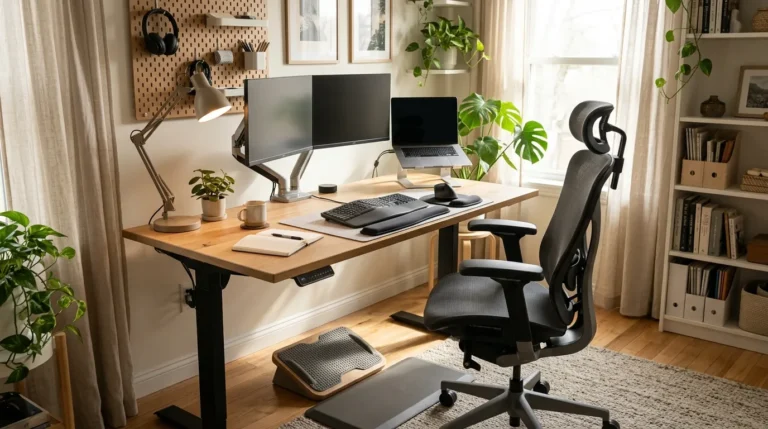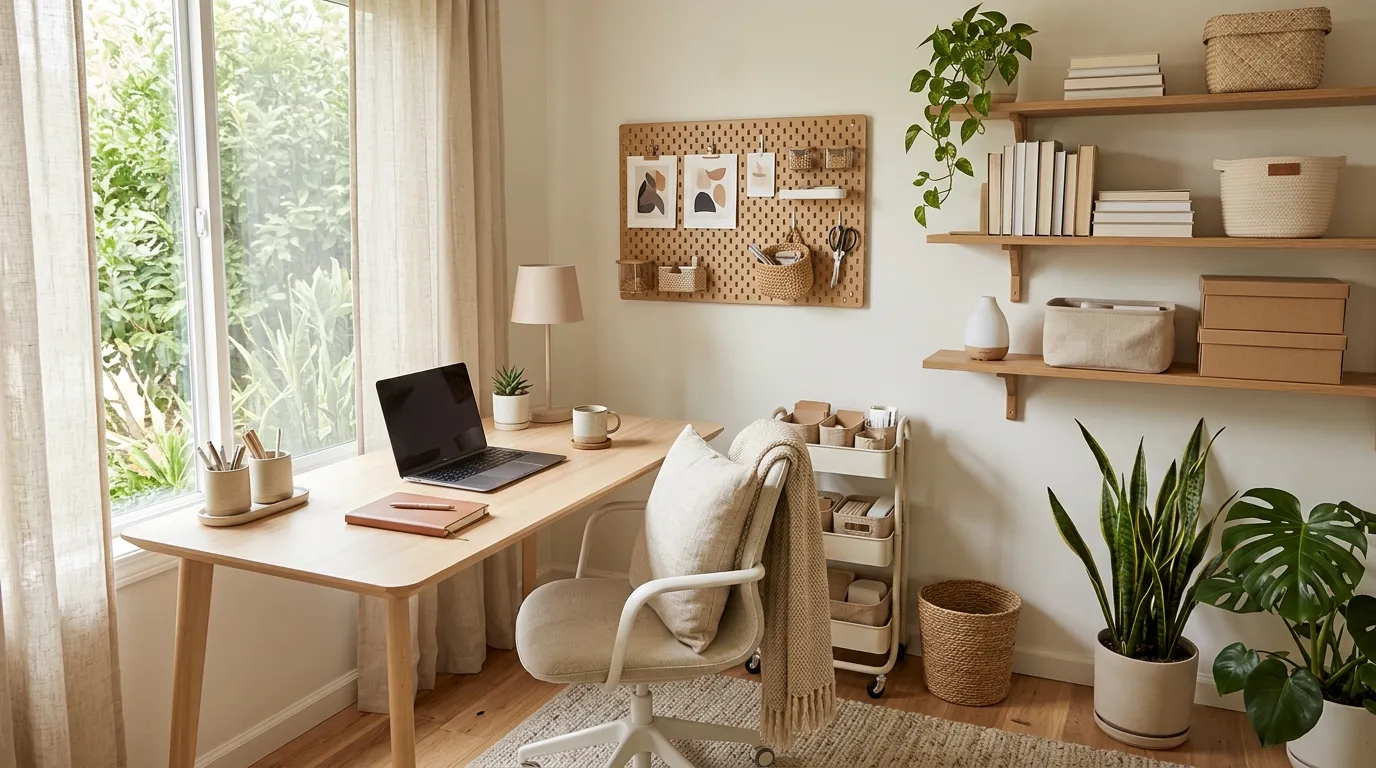
30 Home Office Organization Ideas for a Calmer Mind
A cluttered desk can make even the simplest workday feel overwhelming. Loose papers, tangled cables and overflowing drawers can leave you searching for things instead of focusing on what matters.
These Home Office Organization Ideas will help you create a cleaner, calmer and more functional workspace without needing an expensive makeover. From clever storage baskets and floating shelves to simple desk resets and hidden cable solutions, you’ll find practical ways to make better use of the space you already have.
Whether you work from a dedicated office, a bedroom corner or a small desk in your living room, the right organization system can make everyday tasks feel easier. I’ve noticed that giving frequently used items a consistent home is one of the simplest ways to reduce visual clutter. Explore these inspiring ideas, choose the ones that fit your routine and create a workspace that feels welcoming, productive and easy to maintain.
Color-Coded Storage Bins
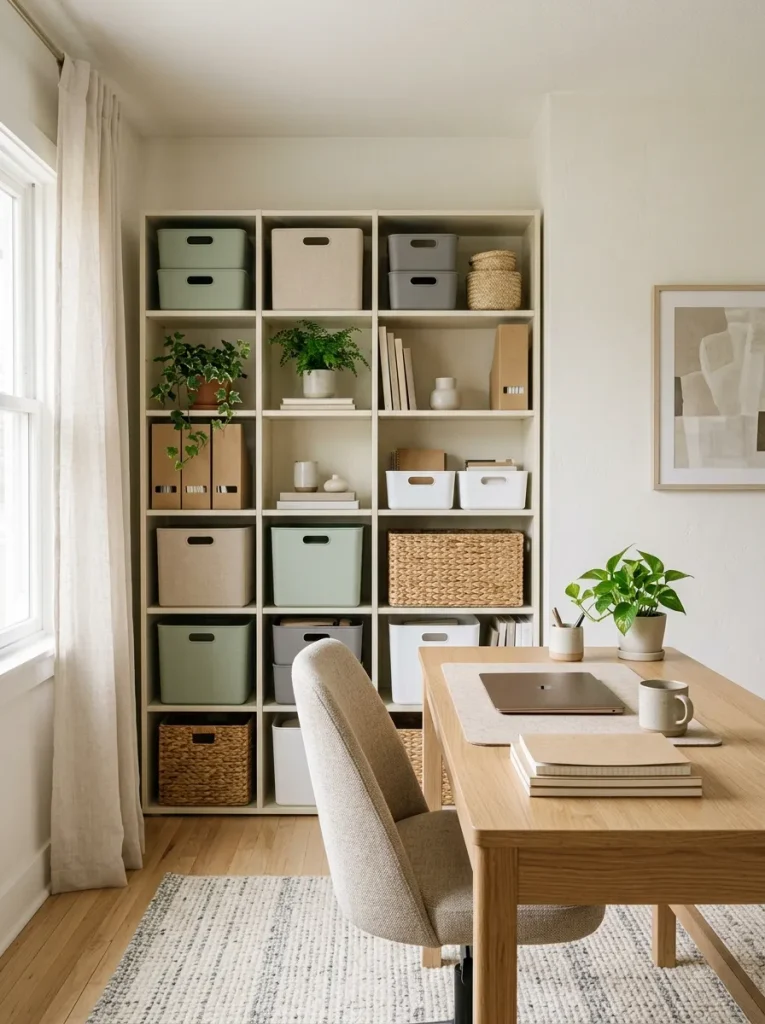
A cluttered shelf becomes much easier to manage when every bin has a clear purpose. Color-coded storage gives your office a simple visual system, helping you find supplies without opening every container or searching through scattered drawers.
Choose one color for paperwork, another for technology accessories and a third for everyday stationery. Keep the palette consistent so the shelves look coordinated rather than busy. Use matching bins in different sizes to accommodate notebooks, charging cables, sticky notes and spare supplies.
For the best results, place frequently used items on accessible shelves and reserve higher spaces for things you rarely need. A simple color system makes tidying up quicker because everything has an obvious home.
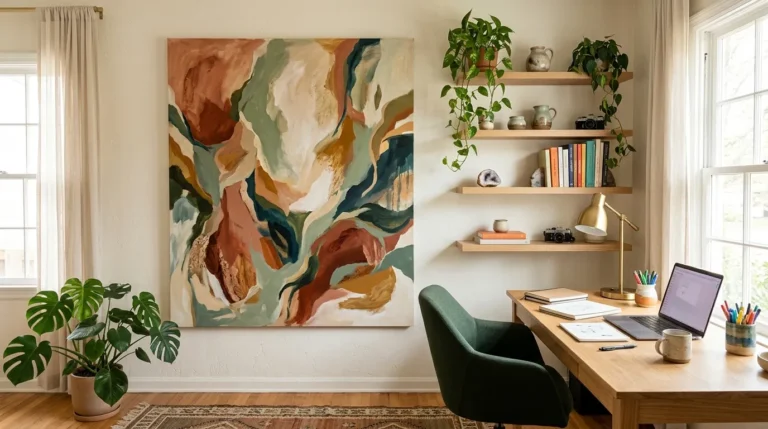
Floating Wall Shelves
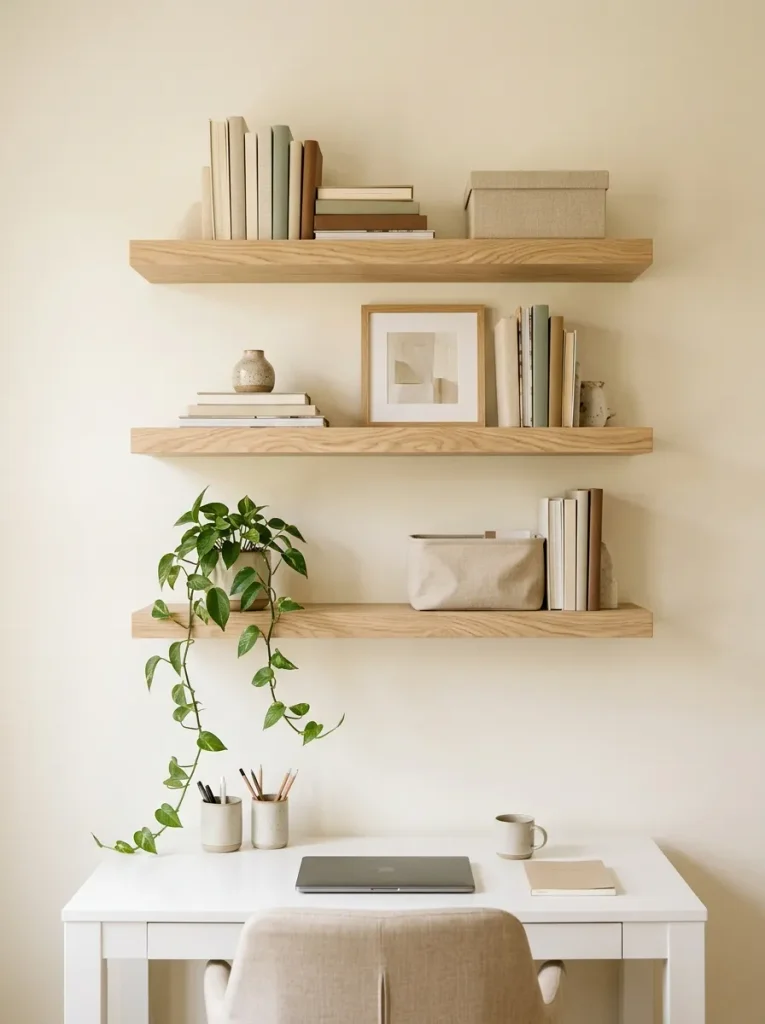
- Arrange by category: Group books, office supplies and decorative pieces separately.
- Use matching containers: Keep small items together in neutral storage boxes.
- Place essentials within reach: Reserve lower shelves for frequently used materials.
- Leave breathing room: Avoid filling every inch with objects.
- Secure shelves properly: Use suitable fixings for your wall type and expected load.
Floating shelves make use of vertical space while freeing your desktop for the work that matters. They are particularly helpful in small offices where filing cabinets or bulky bookcases would feel overwhelming. Keep heavier items on securely installed shelves and position decorations away from the area directly above your computer. A balanced arrangement gives you useful storage without making the room feel crowded.
Drawer Organizer Inserts
Quick Tip:
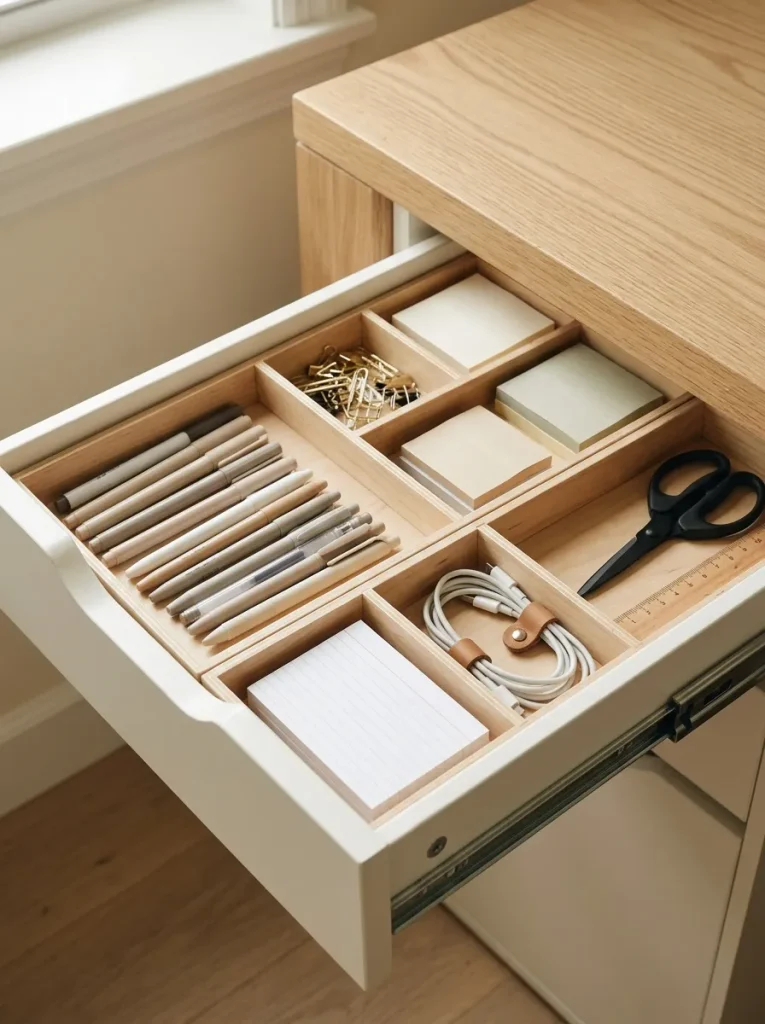
Empty one drawer completely before organizing it. Group similar items together, measure the available space and choose inserts that fit without leaving awkward gaps. Keep the tools you use every day near the front.
Drawer organizers prevent small supplies from becoming a tangled collection of things you already own but cannot find. Separate writing tools from electronic accessories and give paper clips, batteries and sticky notes their own compartments. Avoid storing too many duplicates. When each item has a designated place, returning supplies after a task becomes simple and your desktop stays clearer throughout the day.
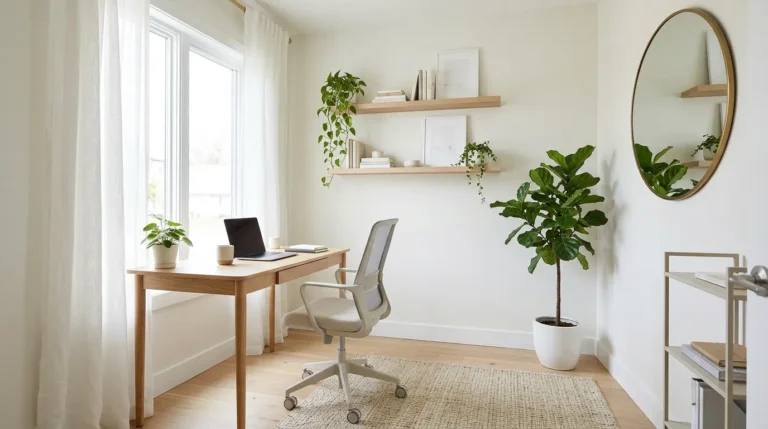
Minimalist Desk Surface
BEFORE
A crowded desk filled with loose papers, extra stationery and unused accessories can make it difficult to focus. Even simple tasks feel frustrating when you have to move objects just to create room for your keyboard.
AFTER
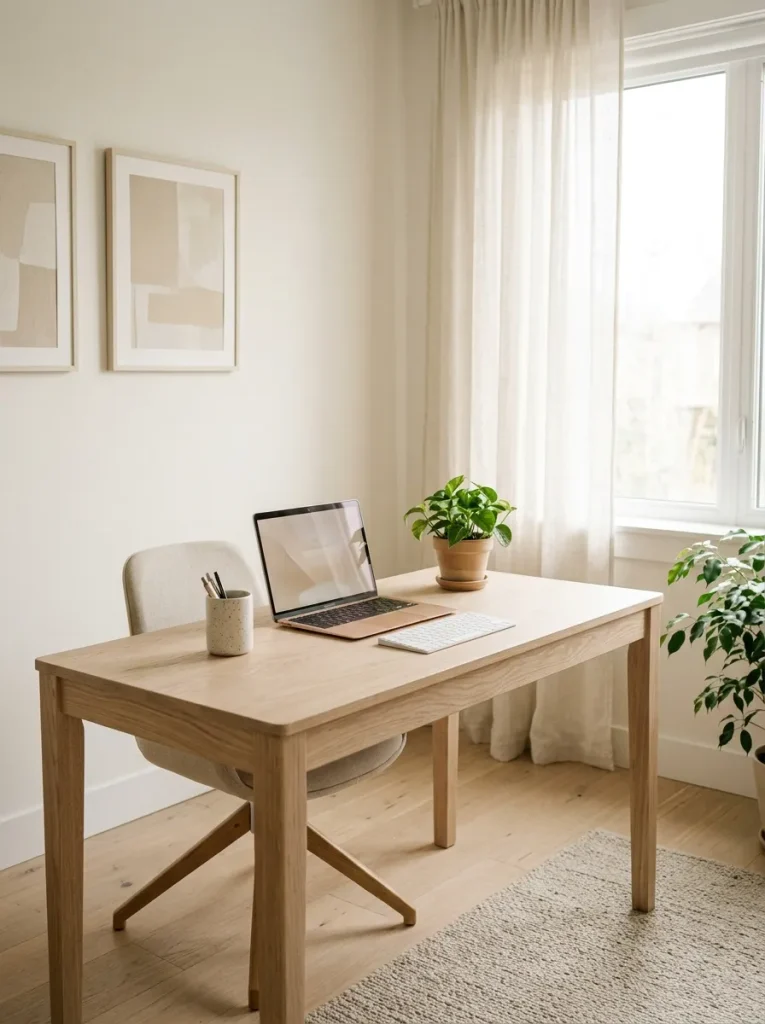
A simplified desktop gives every essential item enough space. Your laptop, keyboard, notebook and one or two frequently used accessories remain accessible, while everything else moves into drawers or shelves.
Start by removing everything from the surface and returning only what you use daily. Store occasional supplies elsewhere and keep a small tray for items that tend to accumulate. A clear desk does not mean removing everything you enjoy. It means choosing belongings that support your work and leaving enough open space to think comfortably.
Vertical File Holders
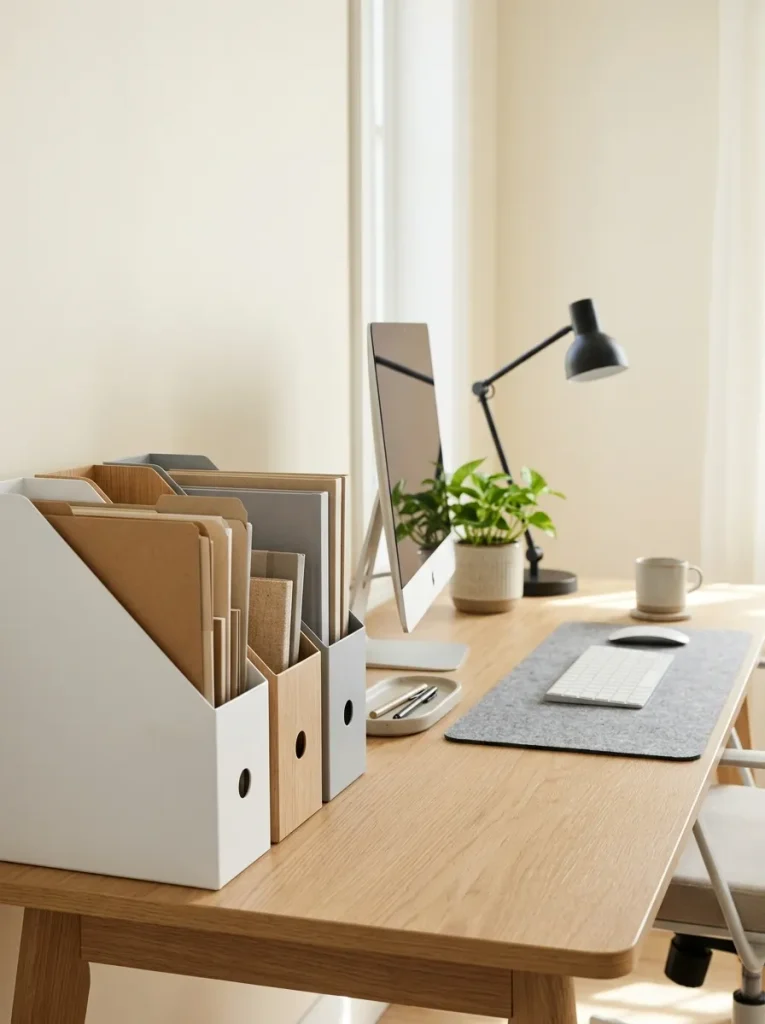
Loose papers can quickly take over a workspace, especially when bills, project notes and reference documents all share the same pile. Vertical file holders keep them organized without using much desktop space.
- Sort your paperwork: Separate active projects, reference documents and papers awaiting action.
- Assign each holder a category: Use one for current work and another for documents you need regularly.
- Arrange files vertically: Keep labels visible so you can identify folders quickly.
- Review weekly: Remove completed tasks and return misplaced papers to their proper folders.
Choose holders with a stable base and enough depth for your folders. Place active documents closest to your chair, while less frequently used files can go on a shelf. For sensitive paperwork, use closed storage when appropriate. A simple filing routine prevents temporary paper piles from becoming permanent clutter.
Desktop Cable Management Box
| Feature | Option A: Loose Cables | Option B: Cable Management Box |
| Appearance | Wires remain visible | Power strip and excess cable are concealed |
| Cleaning | Dust collects around tangled wires | Floor and desk area are easier to access |
| Safety | Loose cords may snag or trip someone | Routed cords can reduce tangling hazards |
| Maintenance | Connections are easy to see | The box must remain accessible for inspection |
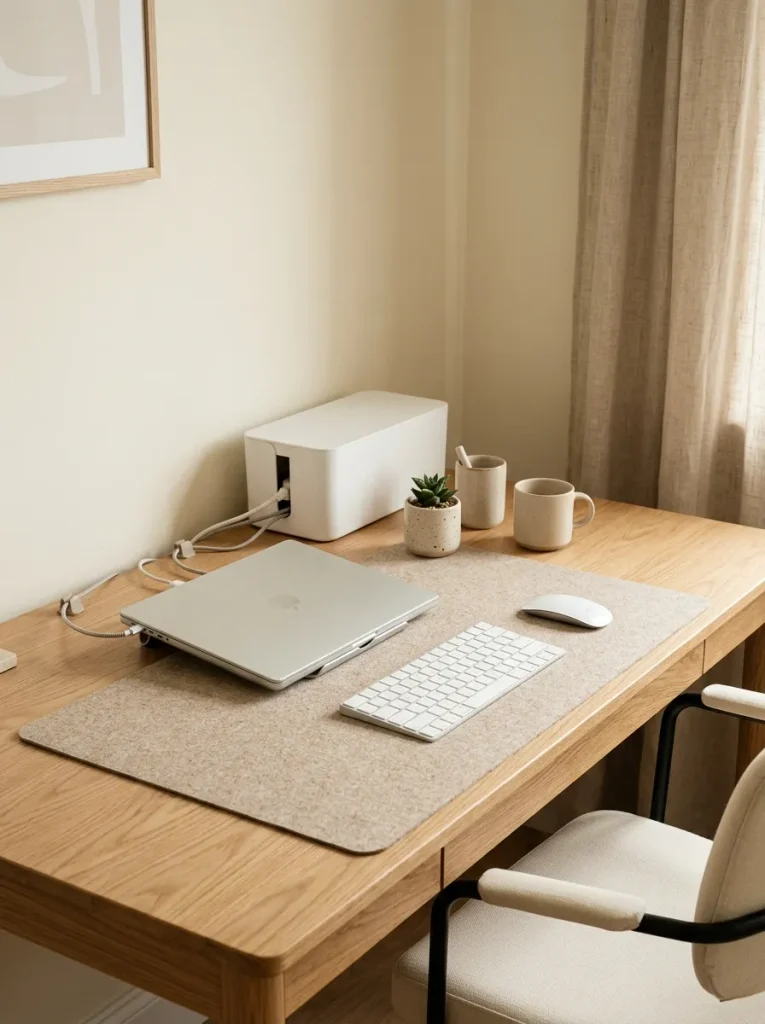
A cable management box helps contain excess wires and makes your workstation look more orderly. Choose a ventilated model large enough for your power strip and plugs and follow the manufacturer’s guidance about heat and electrical safety. Keep connections accessible, avoid overloading outlets and never coil hot power cables tightly inside a closed container. Pair the box with cable clips to guide individual wires neatly along the desk.
Labeled Supply Jars
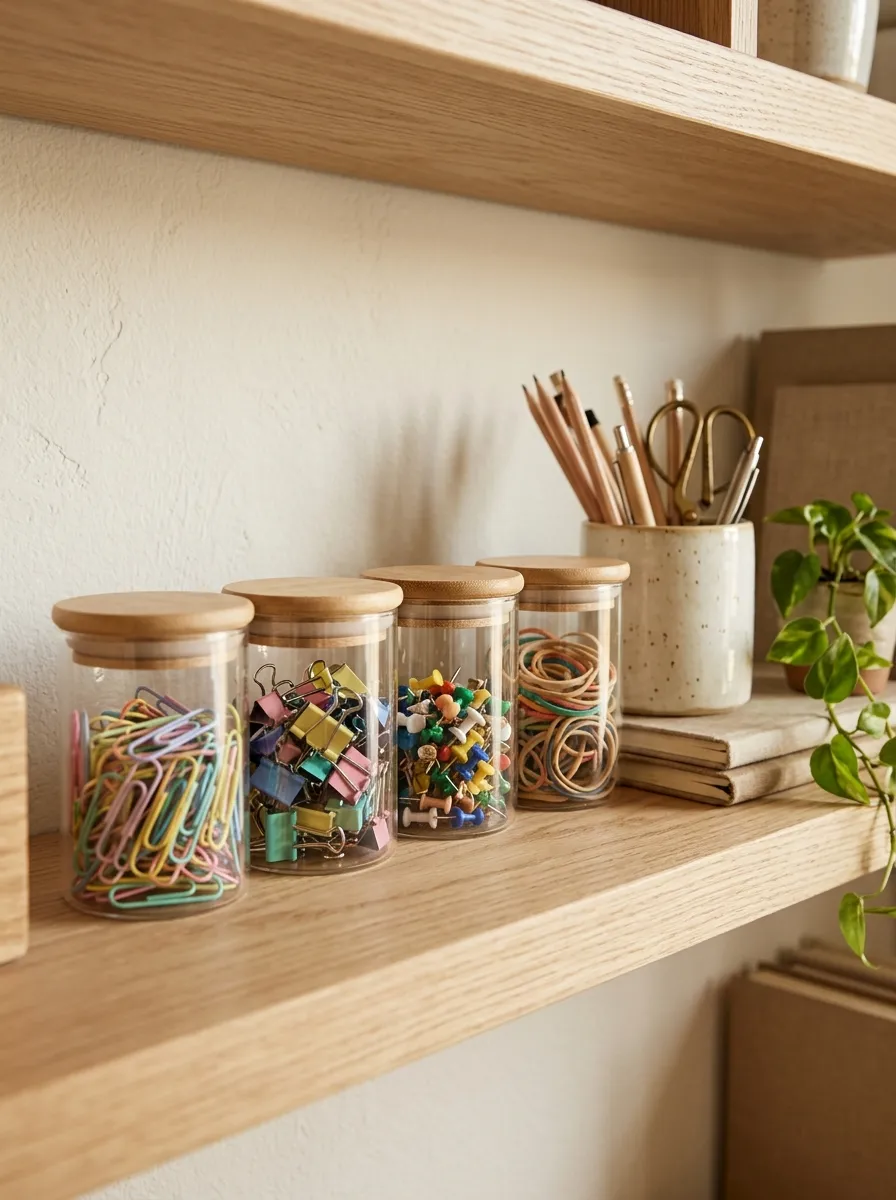
Small office supplies are easy to lose when they share one drawer or container. Clear jars let you see what you have, making everyday tasks quicker and helping you avoid buying duplicates.
- Paper clips: Keep small and large clips together in one jar.
- Push pins: Use a separate container with a secure lid.
- Rubber bands: Choose a wider jar for easy access.
- Binder clips: Store them by size if you use several types.
Place the jars on a shelf or a corner of your desk where they will not crowd your working area. If you have children or pets at home, keep sharp or tiny items safely out of reach. Matching containers create a consistent look, while transparent glass makes supplies easy to identify at a glance.
Rolling Storage Cart
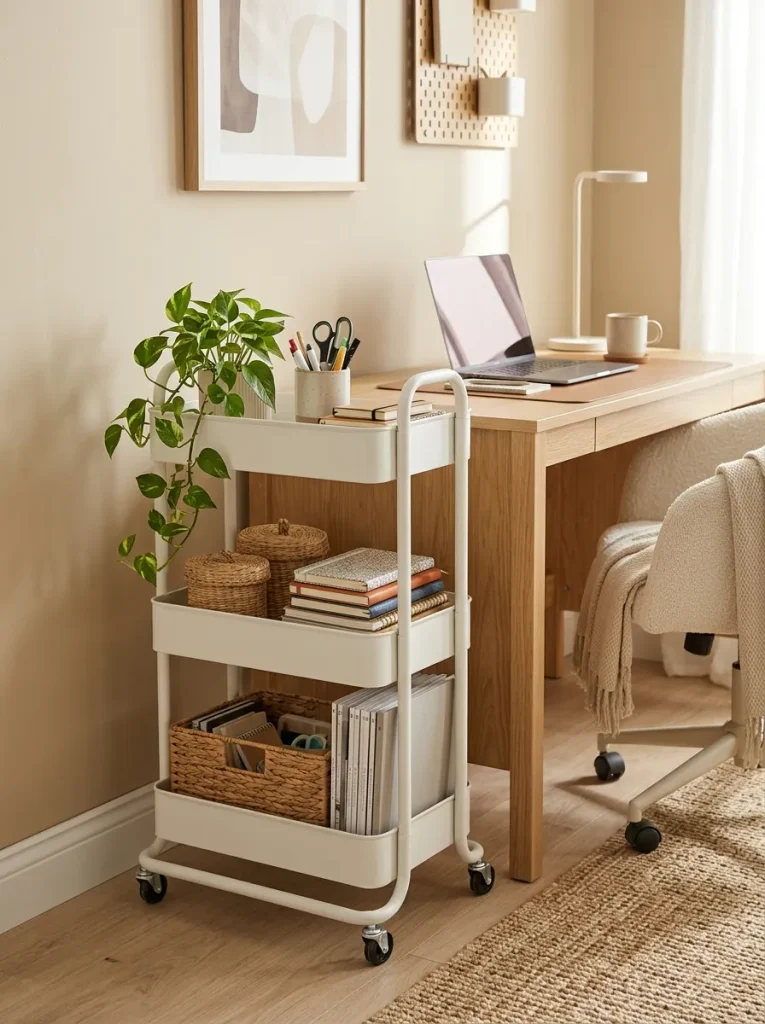
A rolling cart gives your supplies a home without requiring a permanent storage cabinet. It works especially well in bedrooms, rental spaces and small home offices where flexibility matters.
Helpful setup ideas:
- Top tier: Keep daily stationery, sticky notes and pens.
- Middle tier: Store notebooks, folders and active project materials.
- Bottom tier: Place printer paper, spare supplies or heavier items.
- Side hooks: Hang lightweight headphones or a small pouch if the cart supports them.
Choose a cart that fits beside or beneath your desk and check that its wheels lock securely. Use small baskets to prevent loose items from shifting when you move it. You can also roll the cart away after work to reclaim floor space. Keeping each tier dedicated to a purpose makes it easier to return supplies to the right place.
Weekly Reset Station
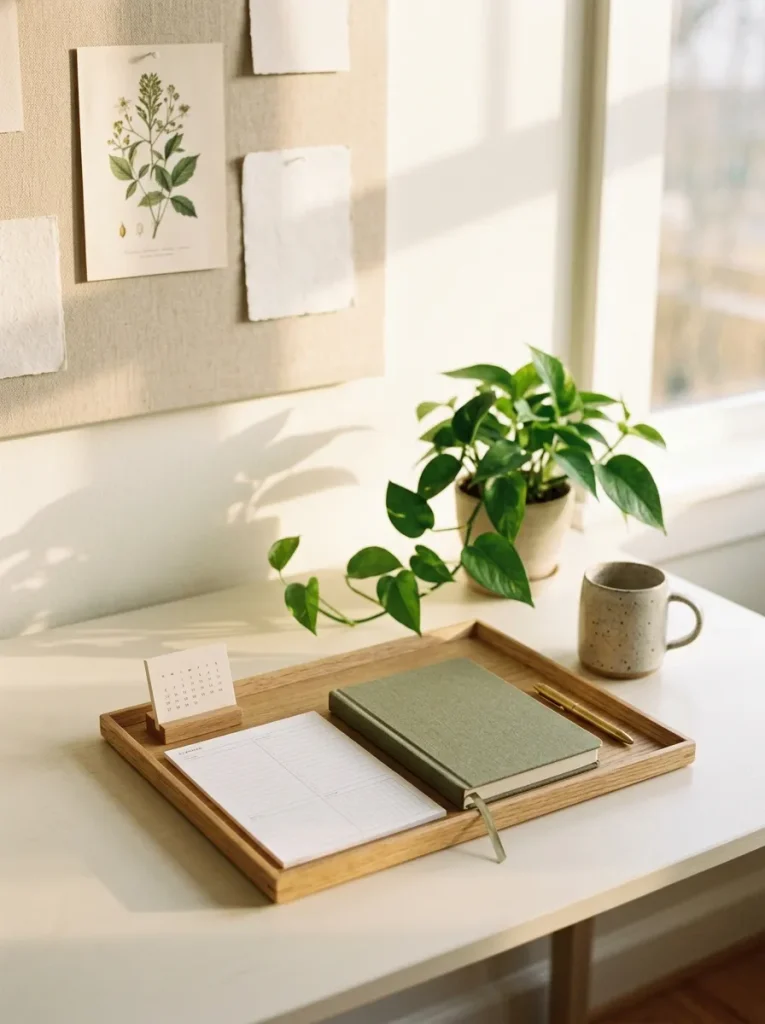
A short weekly reset can stop clutter from building up again. Instead of waiting until your entire workspace feels overwhelming, reserve a few minutes to return items, review tasks and prepare for the week ahead.
Try this five-step routine:
- Remove cups, wrappers and anything that does not belong on your desk.
- Return stationery, chargers and notebooks to their assigned places.
- Sort loose papers and file anything you need to keep.
- Review unfinished tasks and write down your next priorities.
- Wipe the desktop and leave only the essentials ready for Monday.
Keep your reset supplies together in one small tray or drawer so the routine stays simple. You do not need to reorganize every shelf each week. Focus on restoring your main work area, then tackle one larger storage spot when necessary. A consistent reset makes it easier to maintain an organized workspace without spending hours cleaning.
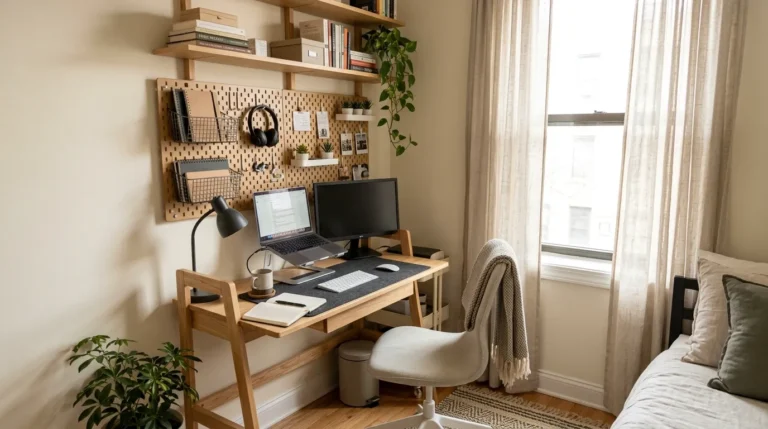
Pegboard Supply Wall
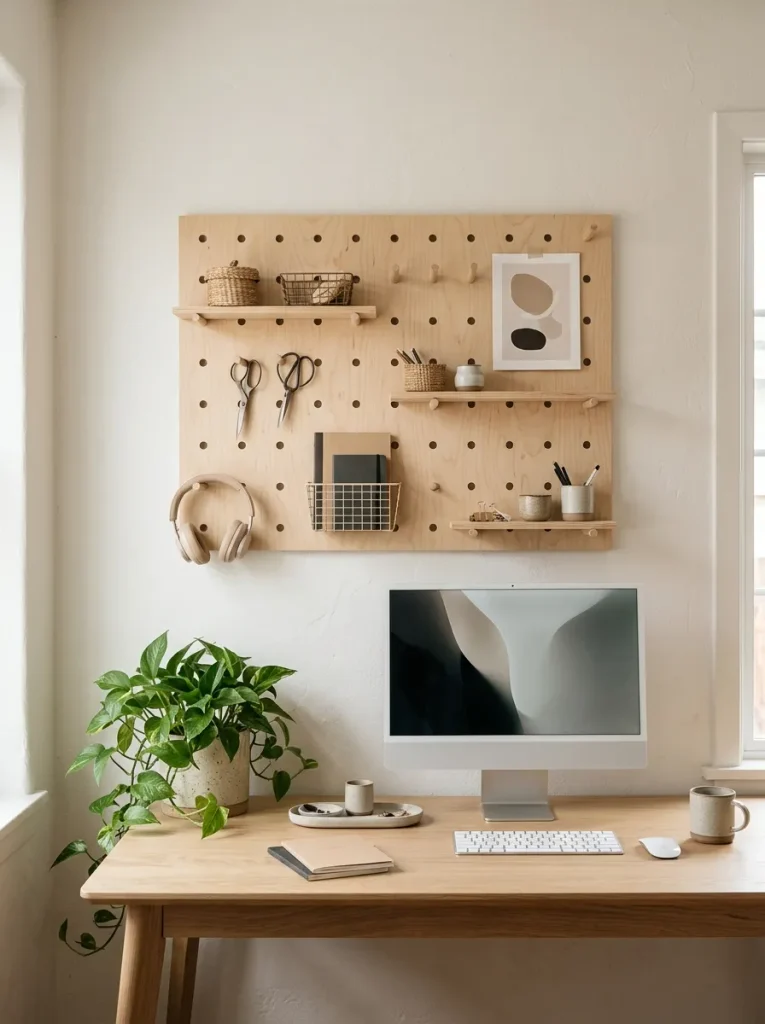
A pegboard turns an empty wall into practical storage while keeping frequently used supplies within reach. It is especially useful when your desk has limited drawer space.
- Small baskets: Hold sticky notes, clips and charging accessories.
- Hooks: Hang scissors, headphones and lightweight tools.
- Mini shelves: Display notebooks or small containers.
- Adjustable holders: Keep pens and markers easy to grab.
Arrange the most-used items near your natural reach and move occasional supplies toward the edges. Before installing the board, check the wall type and use suitable mounting hardware. Keep heavier objects within the board’s weight limits and avoid overcrowding every available spot. Leaving some empty space makes the arrangement easier to maintain and gives your workspace a cleaner appearance.
Under-Desk Drawer Unit
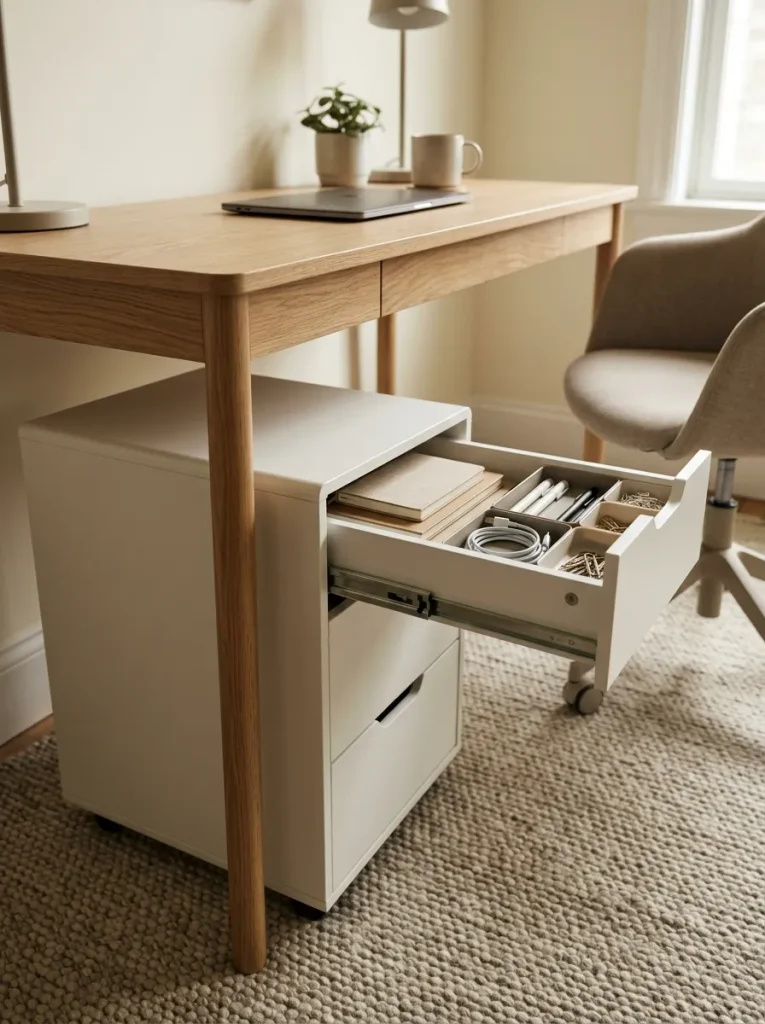
A drawer unit beneath your desk gives everyday essentials a dedicated place without taking up extra wall space. It can be especially helpful if your desk has no built-in storage.
What belongs inside?
- Top drawer: Pens, sticky notes, scissors and small stationery.
- Middle drawer: Notebooks, folders and current project papers.
- Bottom drawer: Spare supplies, cables and less frequently used items.
Measure the available legroom before choosing a unit. You should be able to sit comfortably, move your chair and stretch your legs without hitting the drawers. Use shallow organizers inside each drawer to prevent small objects from mixing together. Keep frequently used items in the easiest-to-reach drawer and review the contents occasionally so the unit does not become a hiding place for unnecessary clutter.
Dedicated Charging Shelf
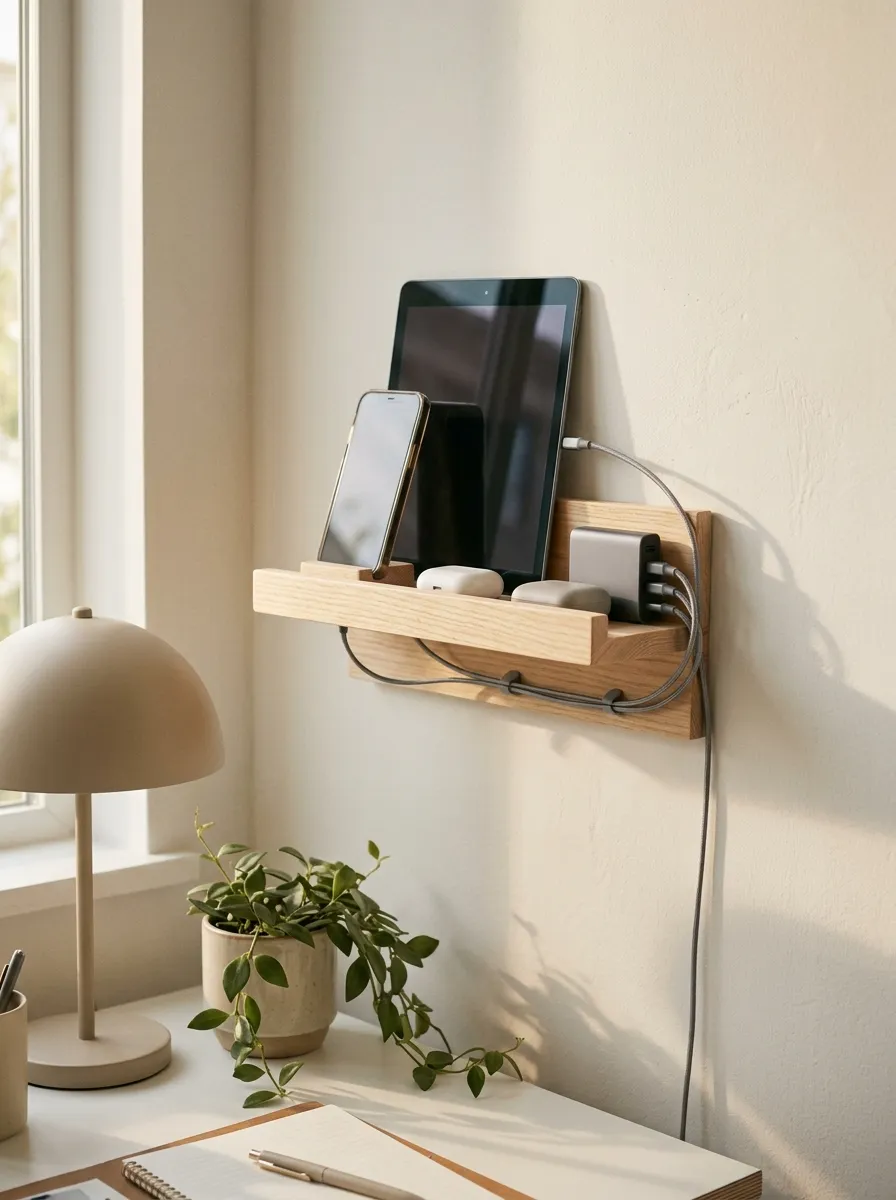
Charging devices scattered across your desk can take up valuable space and leave cords tangled around your work materials. A dedicated shelf creates one clear location for the electronics you use throughout the day.
| Charging Item | Best Placement |
| Smartphone | Front of the shelf for easy access |
| Tablet | Flat on a stable, wide surface |
| Earbuds | In a small tray or charging case |
| Charging cables | Secured with clips along the shelf edge |
| Power adapter | In an accessible, ventilated location |
Choose a sturdy shelf that can support your devices and keep it away from water or areas where items could fall. Route cables neatly, but avoid pinching them behind furniture or covering charging equipment in a way that traps heat. Keeping your devices together makes your desk easier to clean and helps you remember where everything belongs when it is time to work.
Wall-Mounted File Pockets
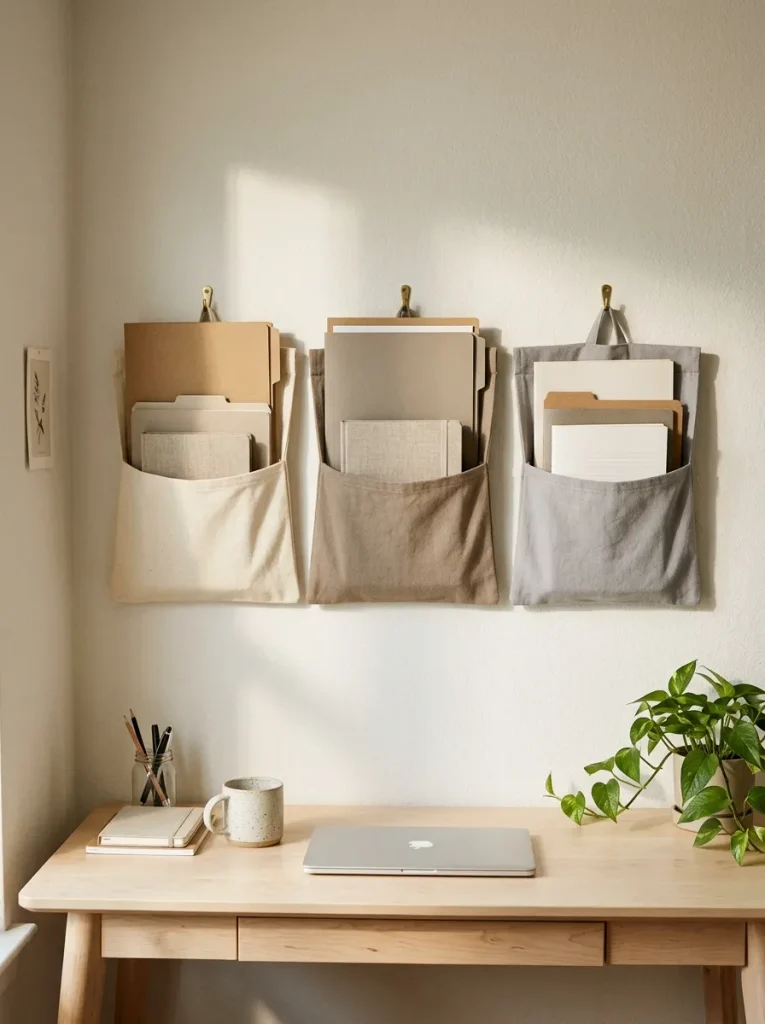
Wall-mounted file pockets keep important papers visible without filling your desktop. They are useful for small work areas where every inch of surface space matters.
- Current projects: Keep active notes and documents in the easiest-to-reach pocket.
- Incoming papers: Create a separate spot for items that need attention.
- Reference materials: Store frequently consulted guides and checklists.
- Personal documents: Use a dedicated pocket for paperwork you need during the week.
Choose pockets deep enough to support your papers without letting them slip out. Position them within comfortable reach, but avoid placing them where they block your monitor or create visual distractions. Review the contents every Friday and remove completed paperwork. For private documents, use closed storage instead of leaving sensitive information visible to anyone who enters your workspace.
Matching Desk Accessories
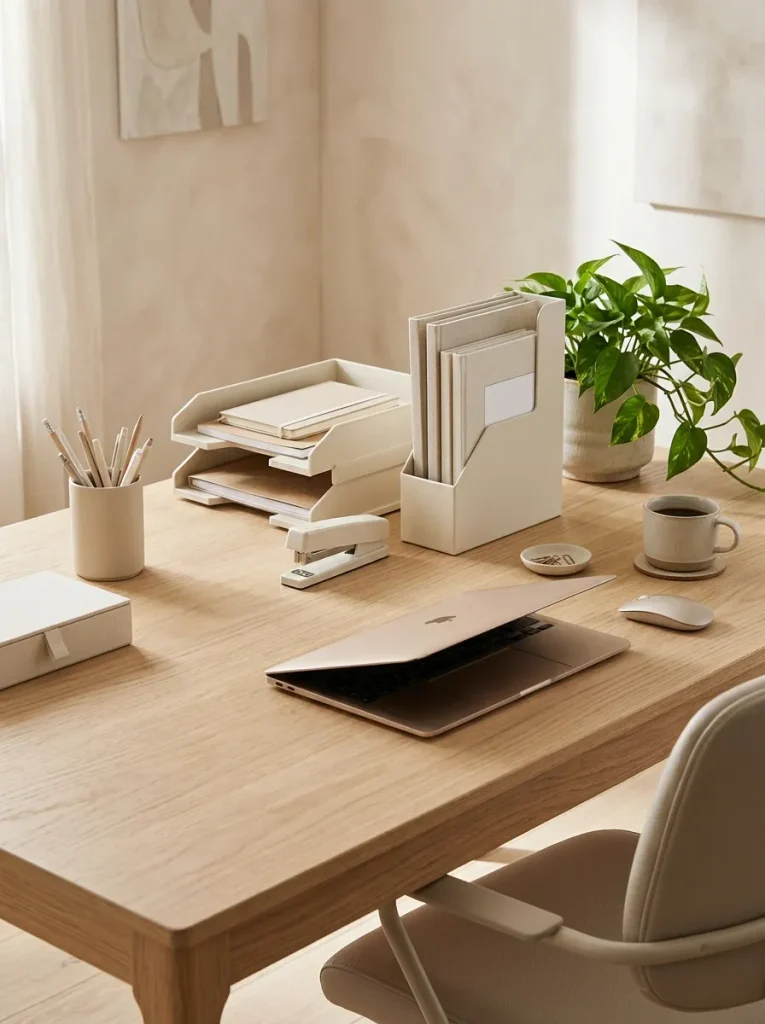
Matching accessories can make a workspace feel more intentional while giving everyday supplies a consistent home. You do not need to replace everything you own. Start with a few items that remain visible on your desk.
Simple coordination tips:
- Choose two main colors: Try white and beige, black and wood or gray and sage green.
- Repeat materials: Combine a few wooden, metal or fabric pieces for a cohesive appearance.
- Limit duplicates: Keep one useful pen holder instead of several scattered cups.
- Mix sizes thoughtfully: Pair a larger paper tray with smaller containers for clips and pens.
Focus on function before appearance. A matching accessory is only helpful if it fits your supplies and makes them easier to find. Reusing containers you already own can create a coordinated look without unnecessary spending. Keep the desktop accessories you use daily within reach and move decorative pieces to a shelf if they begin taking up working space.
Compact Label System
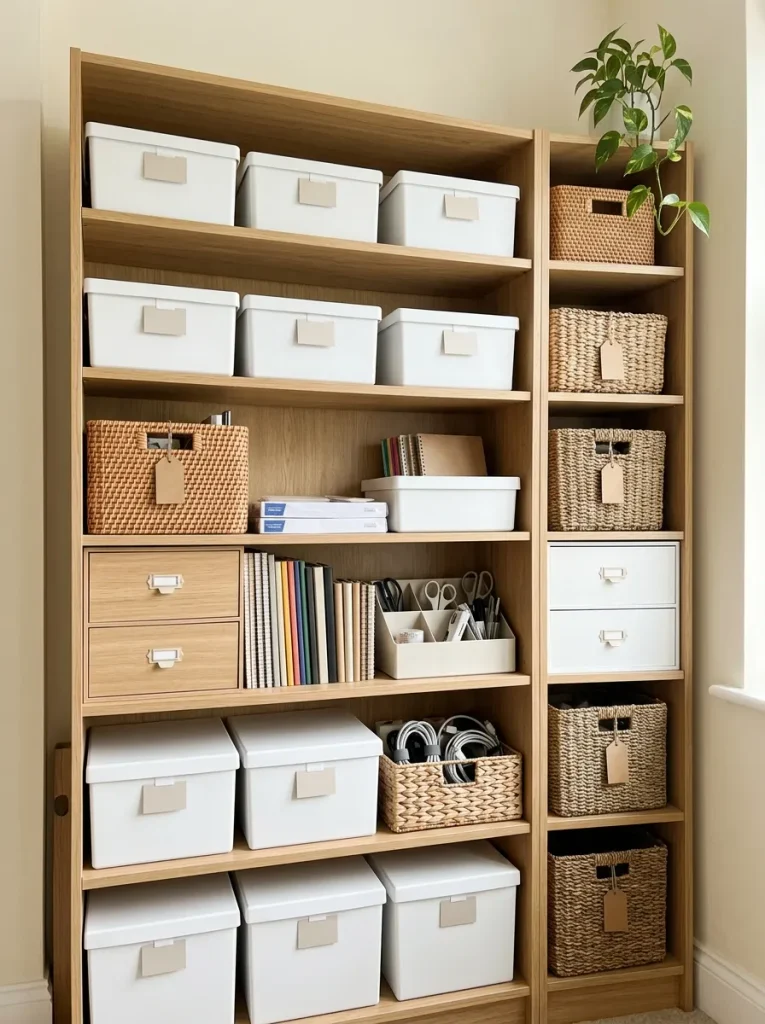
Labels make it easier to return items to their proper places, especially when several boxes or drawers look alike. A simple system can save time and help everyone in the household understand where office supplies belong.
Quick Tip: Keep labels short and consistent. Categories such as stationery, cables, paper, projects,and backup supplies are easier to scan than long descriptions.
Use removable labels if you expect your storage needs to change. For transparent containers, place labels where you can read them without moving the box. Avoid labeling every tiny compartment if it creates more work than it saves. The goal is to make storage obvious at a glance, so choose categories that match how you actually use your workspace rather than creating an overly complicated filing system.
Desktop Paper Tray
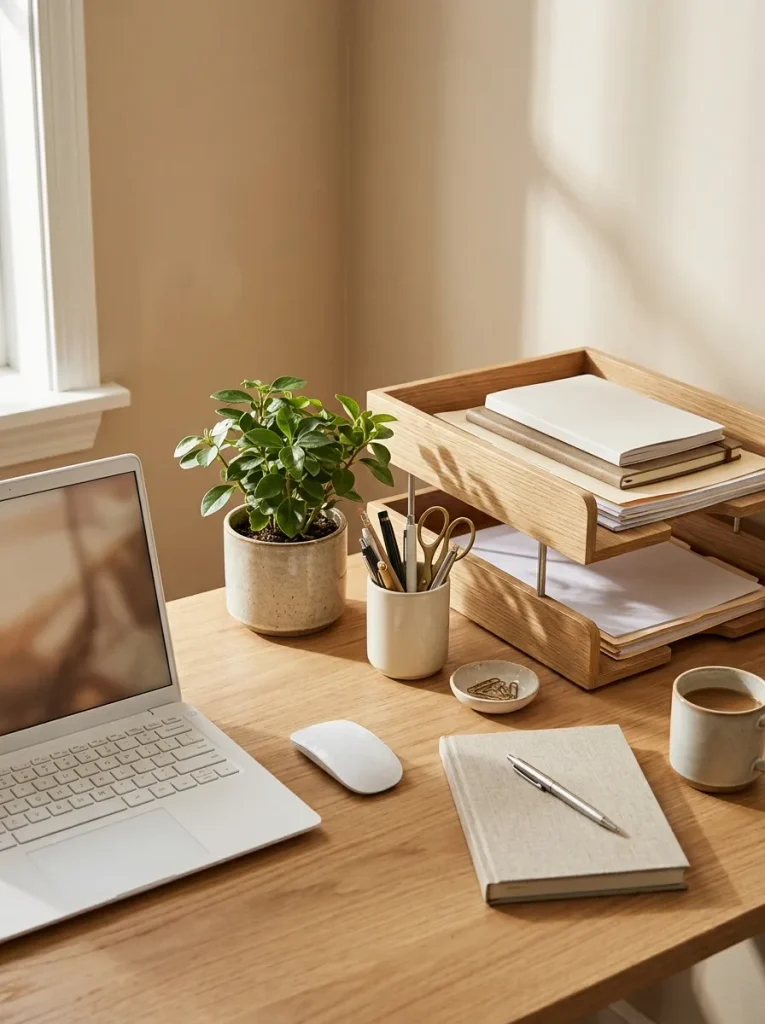
Paper clutter often begins with a few documents left out for later. A desktop paper tray creates a clear landing spot for paperwork without letting it spread across your entire workspace.
Did You Know?
A simple three-category paper system can make document sorting easier:
- Action: Papers that require a response or follow-up.
- File: Documents you need to keep for future reference.
- Recycle: Unneeded sheets that contain no information you must retain.
Choose a tray with enough room for your typical workload, but avoid using it as permanent storage. Review the contents at the end of each week and deal with anything still waiting. If a document contains sensitive information, store or dispose of it securely. Keeping paper categories simple helps you maintain order even during busy workdays.
Neutral Storage Baskets
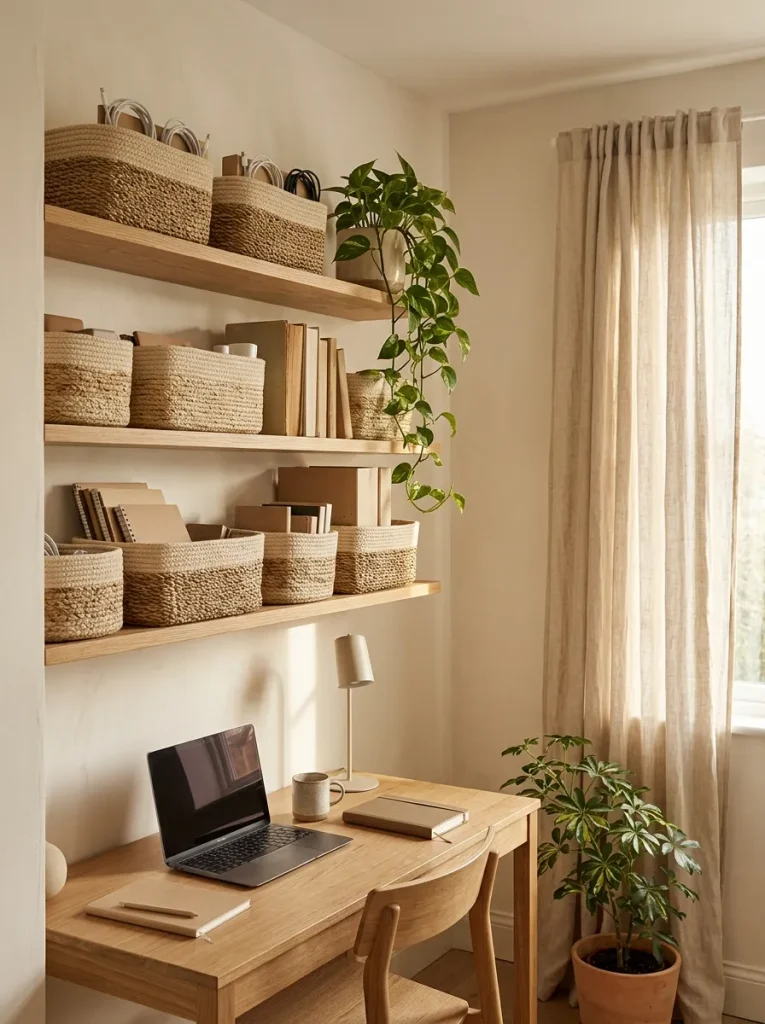
Neutral storage baskets can hide visual clutter while adding warmth and texture to a home office. They work well on open shelves, inside cabinets or beside a desk where bulky supplies need a dedicated home.
Choose baskets according to what you plan to store. A wide basket suits notebooks and folders, while smaller containers work better for chargers and accessories. Matching colors help open shelving look consistent, but the baskets should still be easy to reach and move.
For the best results, give each basket one clear purpose. Avoid mixing unrelated items simply because they fit inside. Place everyday supplies at a comfortable height and reserve higher shelves for things you rarely use. This keeps your storage practical, attractive and easier to maintain.
Monitor Riser Storage
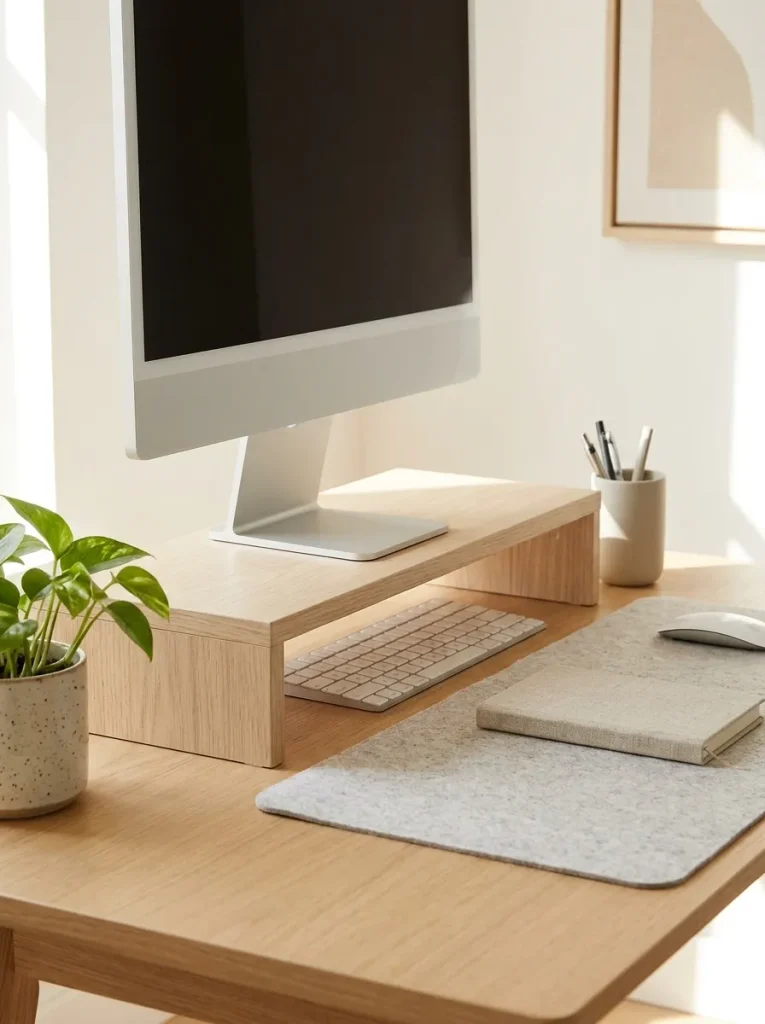
A monitor riser can free up useful desk space by creating a small storage area beneath your screen. It also helps separate your monitor from smaller accessories that might otherwise crowd the desktop.
Ways to use the space:
- Keyboard storage: Slide a compatible keyboard underneath when you need more room.
- Notebook storage: Keep one frequently used notebook close at hand.
- Accessory tray: Store small items such as USB drives and charging adapters in a shallow organizer.
- Mouse placement: Leave enough open surface for comfortable movement during work.
Before buying a riser, check that it supports your monitor’s weight and provides a stable base. Choose a height that supports a comfortable viewing position, with the top of the screen around eye level when practical. Keep the space underneath accessible rather than packing it tightly with supplies. A little extra clearance can make a compact desk feel much more functional.
Built-In Desk Storage
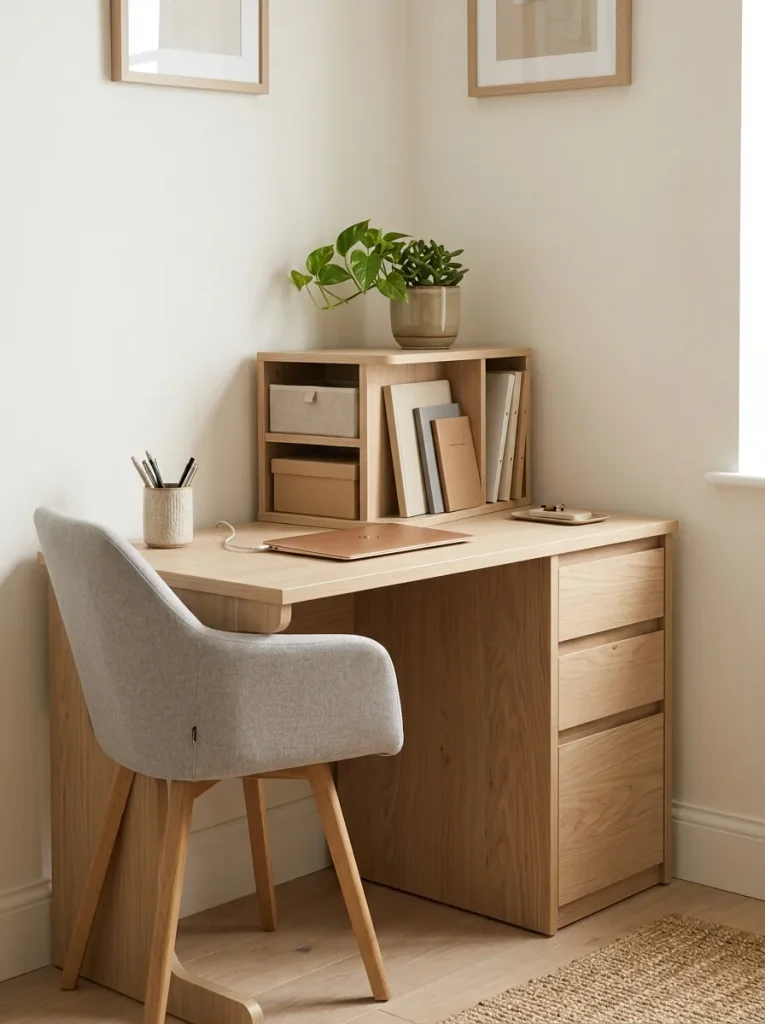
Built-in desk storage helps keep everyday supplies organized without adding extra furniture to your workspace. It is particularly useful in small home offices where every inch of space needs to serve a purpose.
Smart Storage Ideas:
- Open Cubbies: Store notebooks, reference books and frequently used folders.
- Built-In Drawers: Keep stationery, cables and small accessories out of sight.
- Side Compartments: Reserve a dedicated spot for documents and project materials.
- Lower Cabinets: Store backup supplies and items you rarely need.
Before organizing your desk, divide the available storage according to your daily routine. Keep frequently used items close to your chair and move occasional supplies into lower compartments. Use small containers inside drawers to prevent loose accessories from mixing together. A well-organized desk makes it easier to find what you need while keeping your main working surface clear.
Headphone Storage Hooks
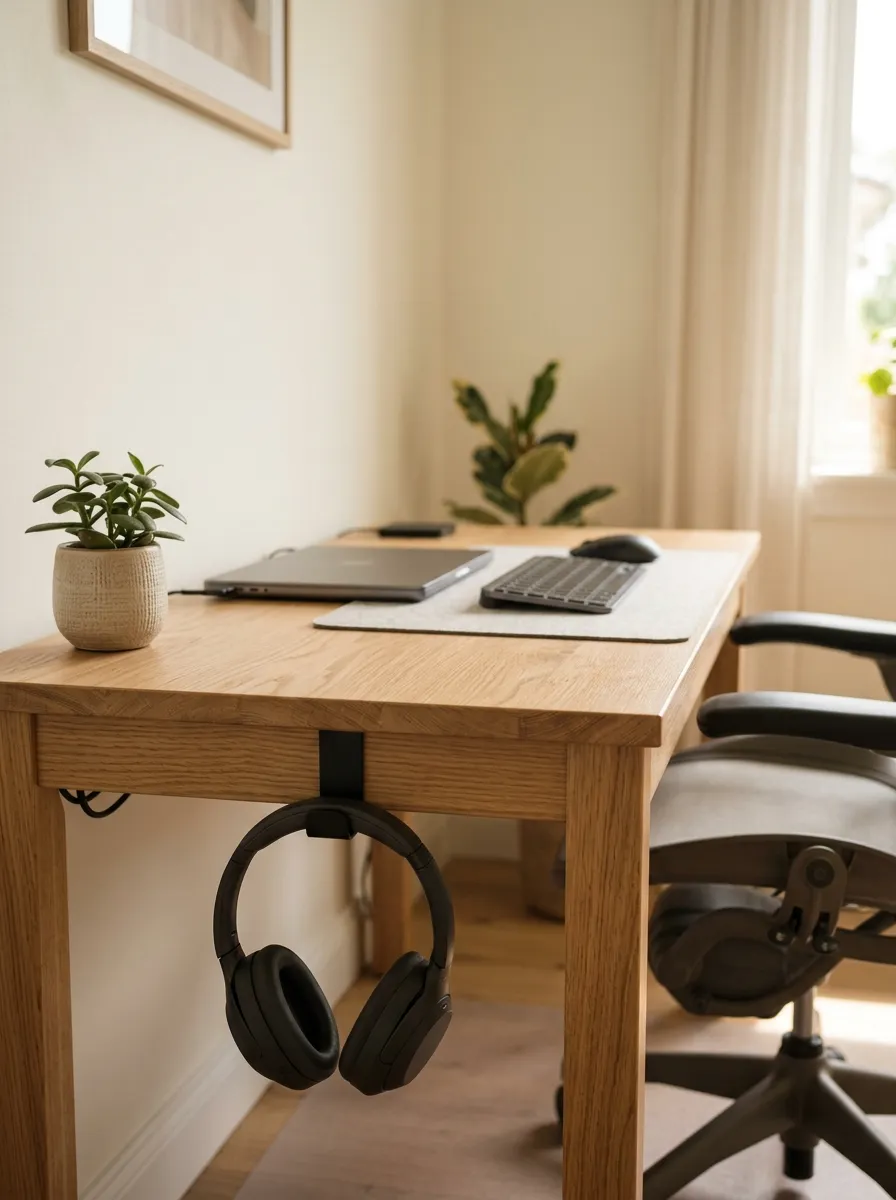
Headphones can easily become another source of desk clutter when they are left beside your keyboard or tangled with charging cables. A dedicated hook keeps them accessible while freeing up valuable working space.
Easy Organization Tips:
- Desk-Side Hook: Attach a suitable hook to the side of your desk.
- Under-Desk Holder: Choose an adhesive or screw-mounted holder designed for your desk material.
- Cable Control: Use a small strap to keep headphone wires from tangling.
- Convenient Placement: Position the hook where you can reach it without bumping your knees.
Choose a holder that supports the weight and shape of your headphones. Check the attachment method before installing it, especially if you use an adhesive mount. Keep the hook away from moving drawers and chair arms to prevent accidental damage. Returning your headphones to the same spot after every work session helps maintain a tidy desk with very little effort.
Digital File Organization
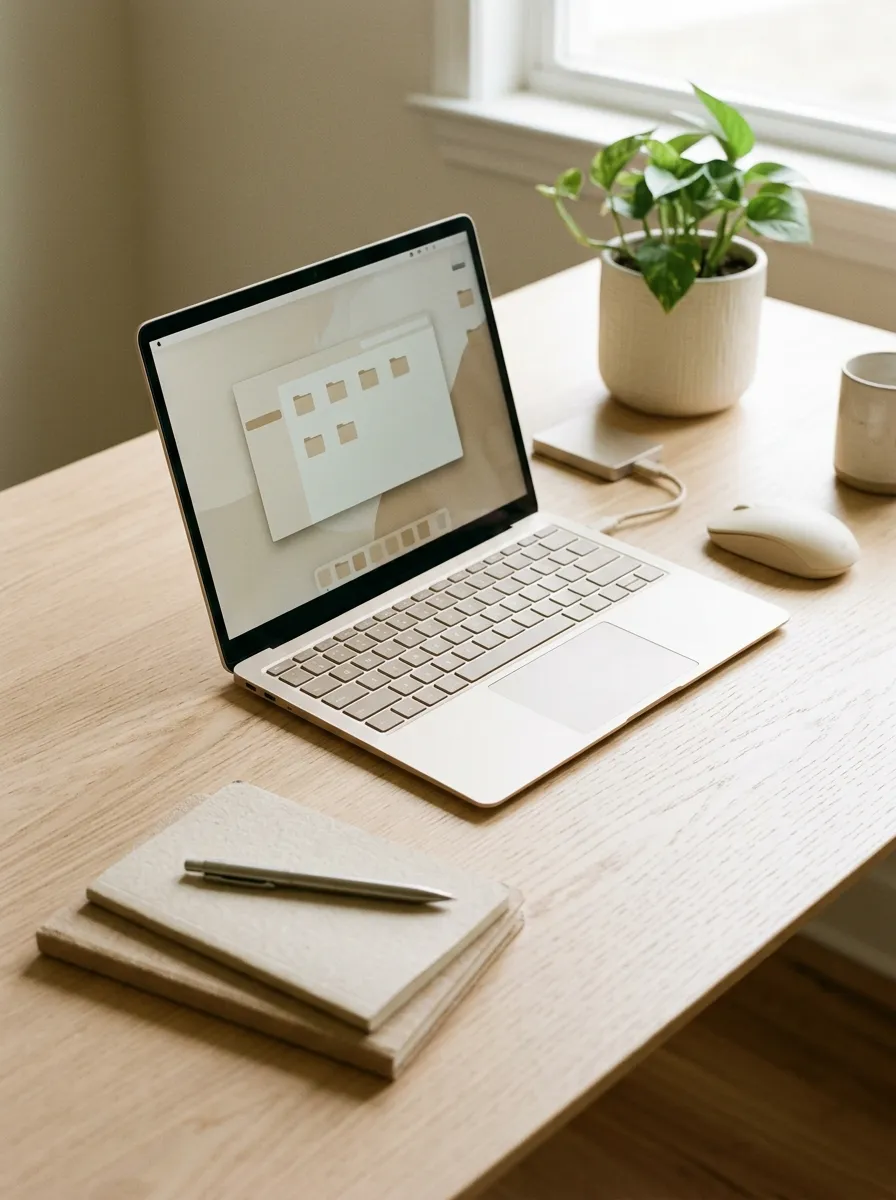
A well-organized physical desk is only part of an efficient workspace. Digital files can become just as cluttered when downloads, documents, screenshots and project folders are scattered across your computer.
Simple Digital Filing System:
- Main Folders: Create separate folders for work, personal documents, projects and reference materials.
- Clear File Names: Use consistent names that help you recognize documents quickly.
- Downloads Cleanup: Review your downloads folder regularly and move important files into their proper locations.
- Duplicate Removal: Delete unnecessary copies after checking that the original files are safely stored.
- Backup Routine: Keep important documents backed up using a suitable external drive or trusted cloud storage service.
Start with the files you use most often instead of trying to reorganize your entire computer in one sitting. Create a few broad categories, move related documents into them and use consistent naming rules for new files. Before deleting anything, confirm that it is no longer needed and that important information has been backed up. A simple digital filing routine reduces searching time and helps your home office stay organized both on and off the desk.
Printer Paper Organizer
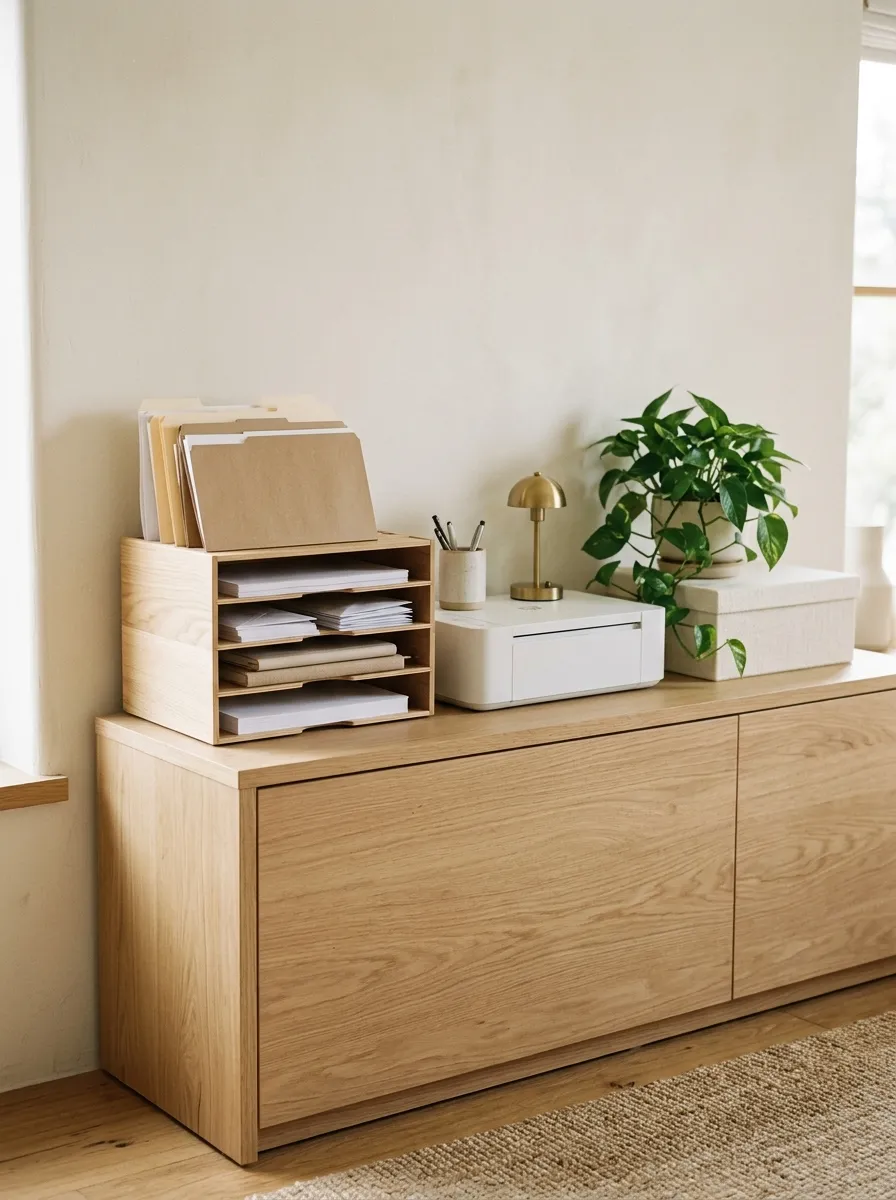
Printer paper and envelopes can become messy when they are stacked wherever space is available. A dedicated organizer keeps paper flat, accessible and protected from everyday desk clutter.
- Printer paper: Store clean sheets in a flat compartment away from moisture.
- Envelopes: Keep them together in a shallow tray.
- Specialty paper: Separate cardstock or photo paper from everyday sheets.
- Extra supplies: Place unopened packs in a nearby cabinet.
Choose an organizer that matches the sizes of paper you use most often. Keep it close enough to your printer that restocking feels easy, but avoid blocking ventilation or access to the machine. Store paper in a dry location and follow the printer manufacturer’s recommendations for handling it. A consistent arrangement prevents bent sheets, misplaced envelopes and unnecessary piles from taking over your office.
Wall Calendar Station
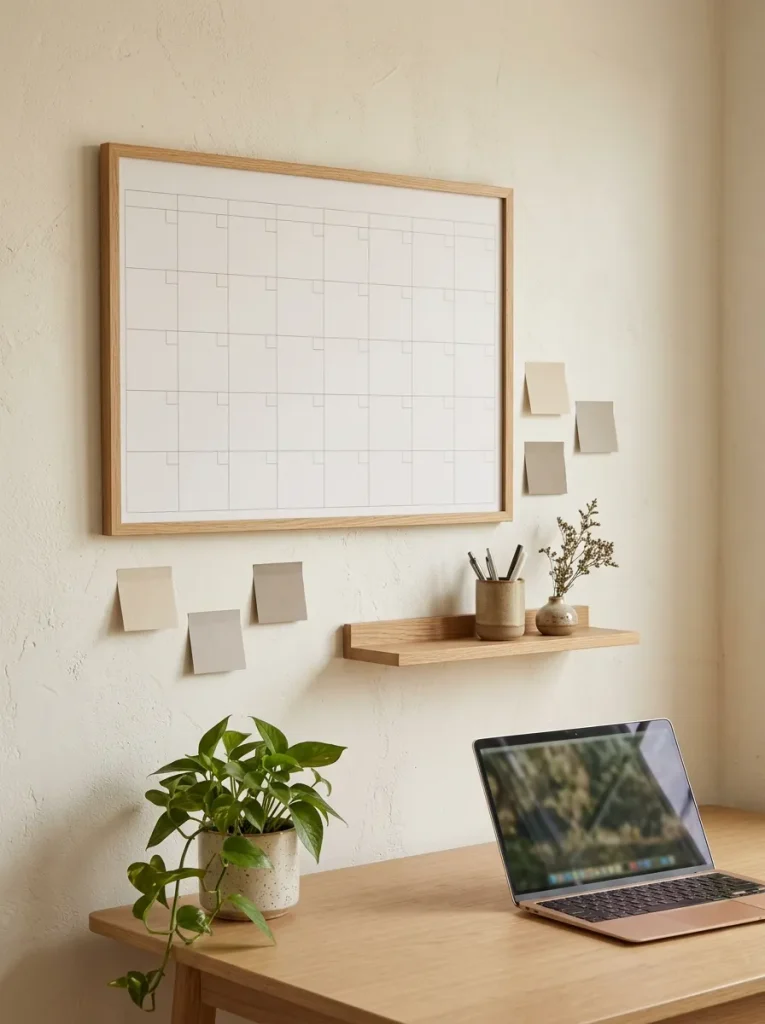
A wall calendar station keeps deadlines and upcoming tasks visible without filling your desk with planners and loose notes. It is especially useful if you prefer seeing your schedule at a glance while working.
How to organize the station:
- Place the calendar where you can see it from your chair.
- Keep markers or pens in one nearby holder.
- Record important deadlines and appointments consistently.
- Review the calendar at the start of each workday.
- Remove outdated notes when the month changes.
Choose a calendar format that suits your routine, whether you prefer a reusable board or a paper calendar. Keep the surrounding wall simple so the station remains easy to scan. Avoid recording sensitive personal details where visitors can see them. When your schedule changes, update the calendar promptly so it remains a reliable planning tool rather than another surface that collects forgotten reminders.
Dedicated Notebook Shelf
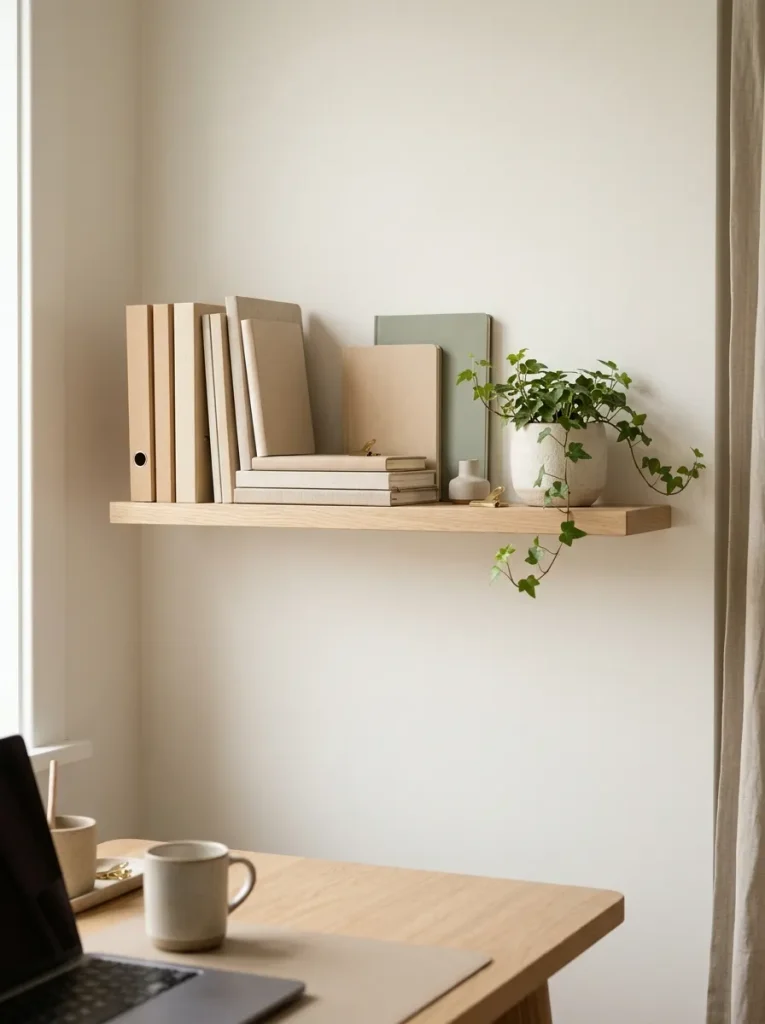
Notebooks often accumulate on desks because each one serves a different purpose. A dedicated shelf keeps them together while leaving your main work surface open for current tasks.
Quick Tip: Arrange notebooks by purpose rather than simply by size. Keep your active work journal and current project notebook within easy reach, then place reference books and older journals farther along the shelf.
Use bookends or small dividers to stop notebooks from leaning into one another. Check the shelf’s weight capacity before loading it and use suitable mounting hardware for your wall type. If you prefer a softer look, add one small decorative object without sacrificing useful storage space. Returning each notebook to the same spot after use makes it easier to find your notes when you need them.
Under-Shelf Storage Baskets
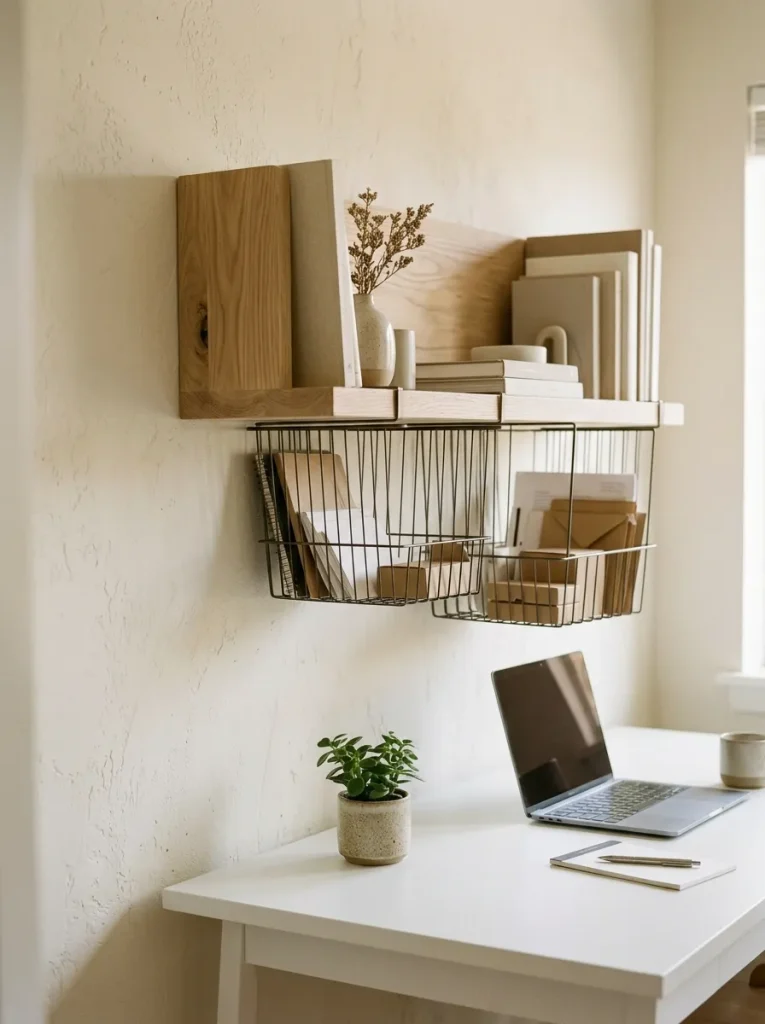
Under-shelf baskets make use of space that often goes unnoticed. They can provide extra room for lightweight supplies without requiring another cabinet or taking up valuable desktop area.
- Paper supplies: Store lightweight notebooks and spare sheets.
- Small accessories: Group charging cables or stationery in compact pouches.
- Active projects: Keep a thin folder close to your working area.
- Backup items: Reserve one basket for supplies you use occasionally.
Before installing a basket, check the shelf thickness, attachment method and weight limit. Make sure it does not block a drawer, interfere with your monitor or reduce comfortable headroom. Avoid placing heavy objects overhead, especially above your usual seating position. A well-positioned basket adds useful storage while keeping the main desk surface clear and easy to clean.
Color-Coded Project Folders
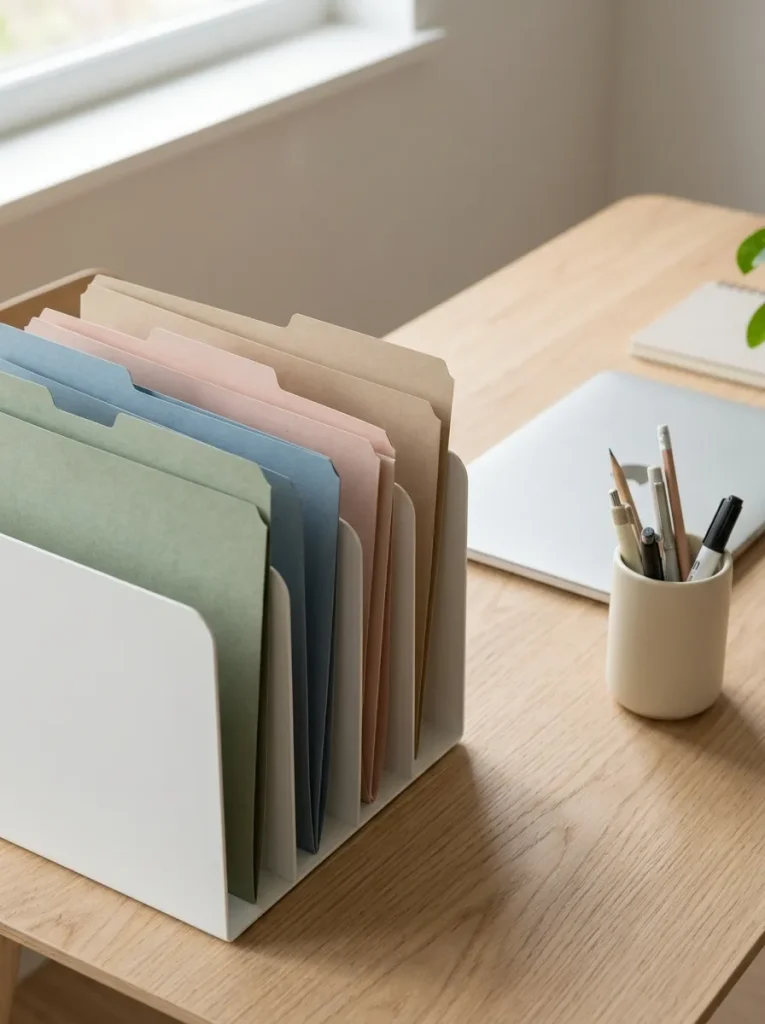
When several projects are active at once, papers can become mixed together and difficult to locate. Color-coded folders offer a simple visual system that helps you identify each project without searching through every document.
Try this organization system:
- Choose a color for each project: Keep the palette small enough to remember.
- Use matching folders and dividers: Make related papers easy to group together.
- Store active folders nearby: Place current work in a desktop file holder.
- Archive completed projects: Move finished materials into labeled storage.
- Review the system monthly: Reassign folders when priorities change.
Use colors that are easy to distinguish in your lighting and keep a written key inside a drawer if you manage many projects. Color should support your filing routine, not replace clear labels or sensible categories. For important records, retain the necessary identifying details and follow any workplace rules for document storage. This approach keeps paperwork visually organized without adding complicated steps to your daily routine.
End-of-Day Desk Baske
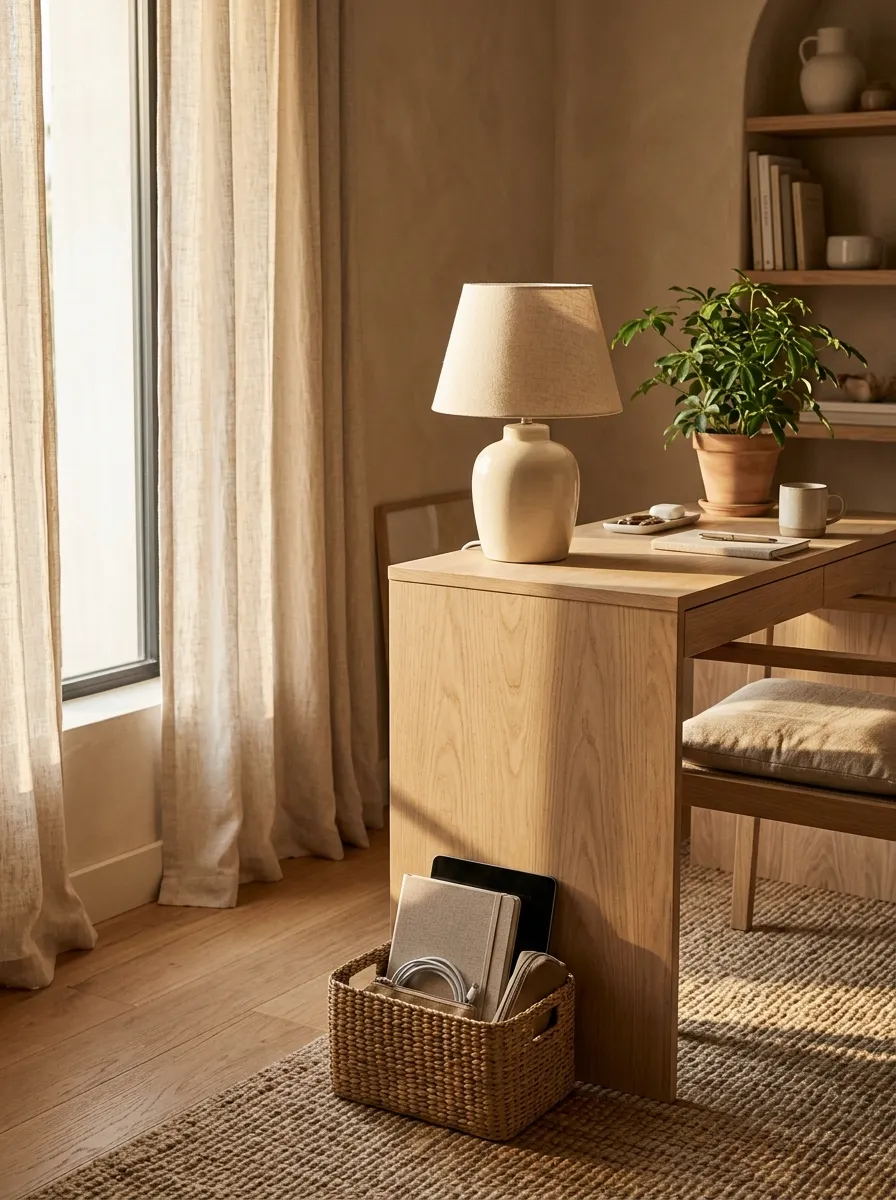
A small end-of-day basket helps you clear your desk without spending time putting every item away immediately. It is particularly useful when your workspace shares a room with your bedroom or living area.
Quick Tip: Use the basket only for items that need to be put away after work. Return documents to their proper storage, place devices in their charging area and keep anything requiring follow-up visible in your task system instead of hiding it in the basket.
Choose a basket that fits beneath the desk or on a nearby shelf. Avoid making it a permanent dumping spot by emptying it during your evening reset. A few minutes of tidying can create a clear boundary between work and personal time, leaving the room more comfortable when you finish for the day.
Hidden Printer Station
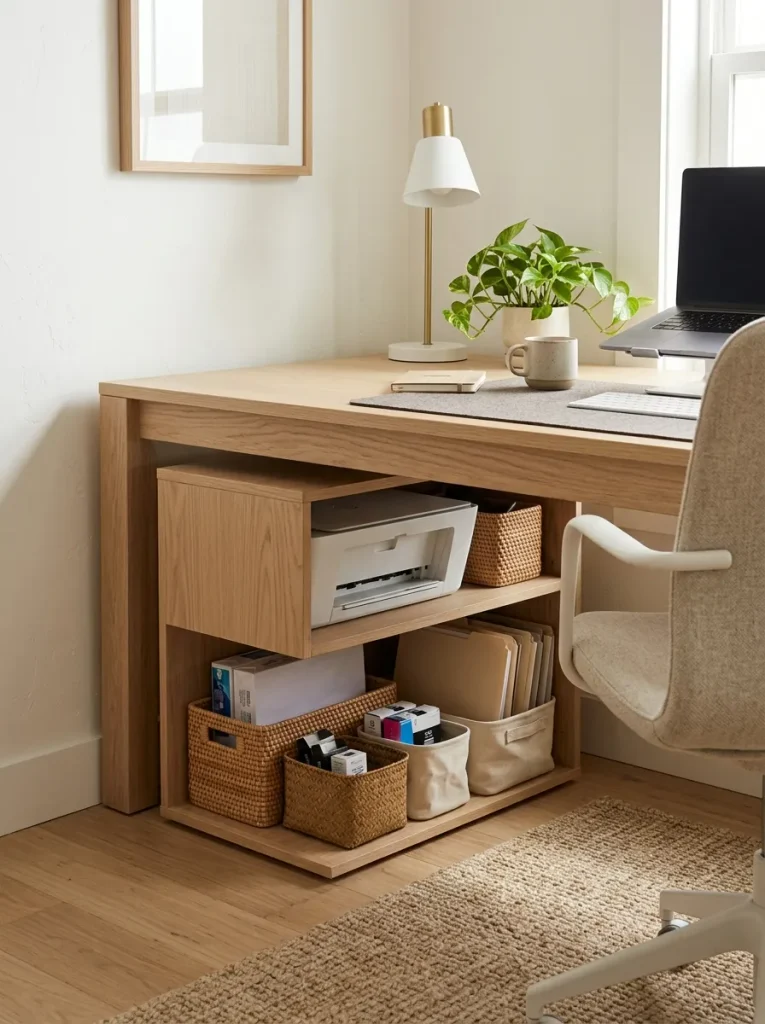
A printer can occupy a surprising amount of space, especially when paper packs, ink supplies and spare cables sit around it. A dedicated printer station keeps these items together and makes the surrounding workspace look more orderly.
Before and after:
- Before: The printer sits on the desk, surrounded by paper stacks and accessories.
- After: The printer has a dedicated shelf, with paper and supplies stored nearby.
- Before: Replacement ink and cables are difficult to locate.
- After: A small labeled container keeps printer accessories together.
Choose a stable surface that supports the printer’s weight and allows easy access to paper trays, controls and cables. Follow the manufacturer’s ventilation and clearance recommendations and avoid enclosing a printer in a way that traps heat. Keep paper away from moisture and place frequently used supplies within comfortable reach. A well-planned station makes printing tasks simpler without sacrificing valuable desk space.
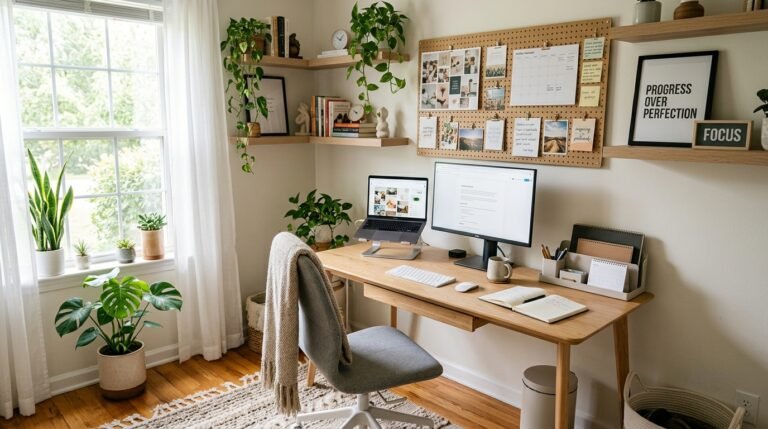
Minimal Wall Noticeboard
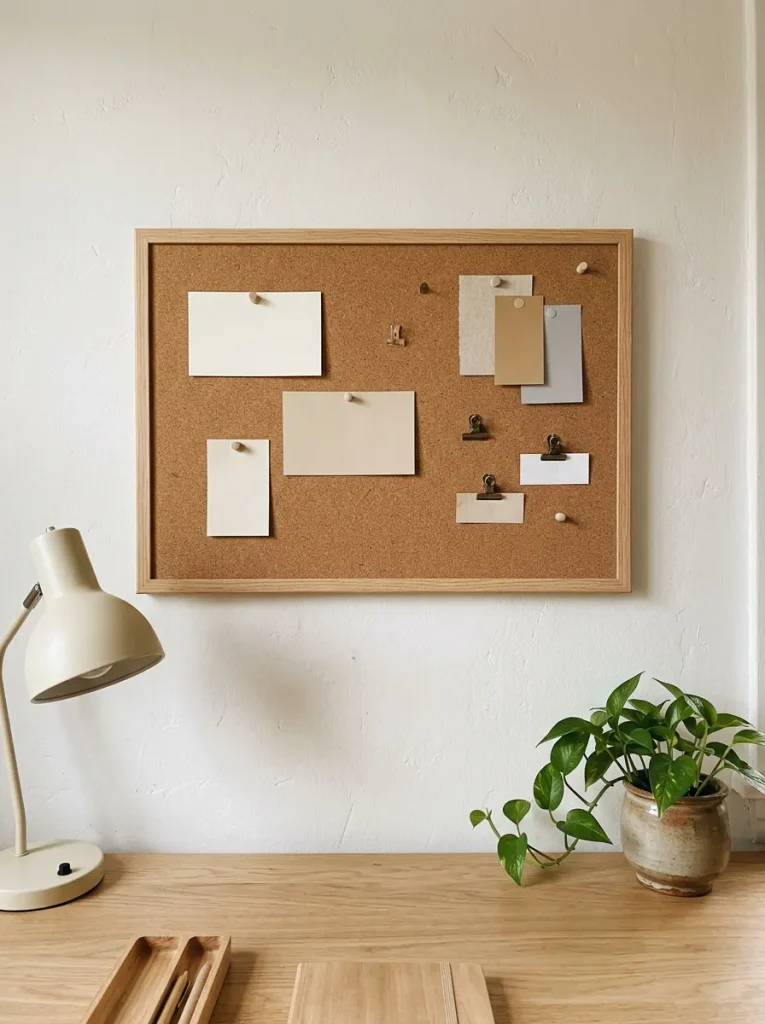
A wall noticeboard gives important reminders a dedicated location instead of scattering sticky notes across your monitor and desk. Keeping the board selective helps you see what matters without creating another cluttered surface.
Simple styling ideas:
- Current priorities: Display only a few important tasks.
- Useful references: Pin information you consult regularly.
- Inspiration: Add one or two images that support your current project.
- Small accessories: Use clips to hold loose notes together.
Place the board where you can see it comfortably from your chair. Use removable pins or clips that suit the board material and clear outdated notes regularly. Avoid displaying private information where others can see it. A small, purposeful noticeboard works better than filling every inch with reminders, especially if you already use a digital calendar or task manager.
Personal Organization Zone
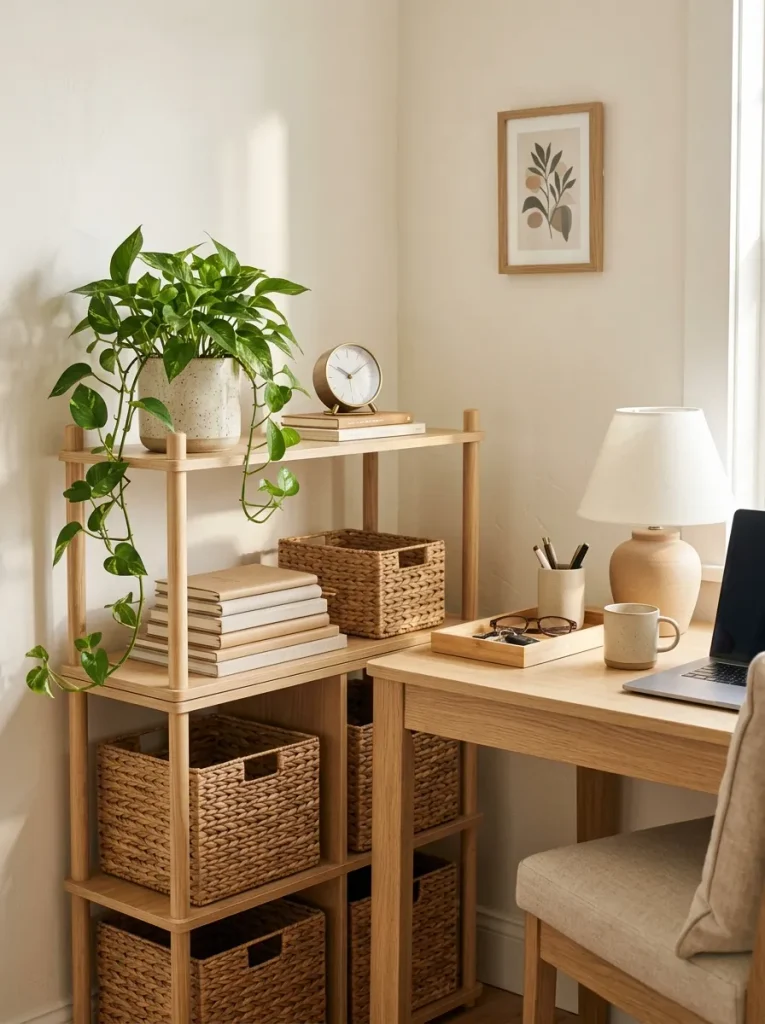
An organization zone brings your everyday supplies into one predictable area, making it easier to keep the rest of your workspace clear. It can be a small shelf, a cabinet corner or one section of a larger desk.
How to create your zone:
- Choose one location: Select a spot that does not interfere with your chair or walking path.
- Group related items: Keep stationery, notebooks, cables and backup supplies separate.
- Use a few containers: Choose sizes that fit your actual belongings.
- Keep daily essentials accessible: Store occasional items farther away.
- Reset the zone regularly: Return misplaced objects and remove anything you no longer need.
The best organization system is one you can maintain on an ordinary busy day. You do not need expensive organizers or perfectly matching accessories to achieve a calmer workspace. Give every frequently used item a clear home, leave enough open surface for your work and adjust the arrangement whenever your routine changes. Small, consistent habits will help your office stay practical, comfortable and ready for the next workday.
CONCLUSION
An organized home office doesn’t require a large room, expensive furniture or perfectly matching accessories. Small changes, such as adding drawer dividers organizing cables or creating a weekly reset routine, can make your workspace feel more comfortable and manageable.
These Home Office Organization Ideas offer plenty of inspiration for creating a space that supports your focus and fits your everyday needs. Start with one area that feels cluttered, try a practical solution and build from there. Save this article on Pinterest for future inspiration and share it with anyone who could use a calmer workspace. Your more organized workday can start with one small change today!